Step 3
ACTIVATE BLUETOOTH
®
& PAIR
WITH YOUR CELLPHONE
Activate Bluetooth
®
on your
cellphone in accordance with your
manufacturer’s instructions.
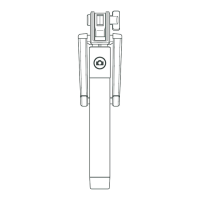
Hold down The Vortex Pro I shutter
button for 3 seconds to enter
Bluetooth
®
pairing mode. The button
will flash blue intermittently.
When your cellphone is successfully
paired with your Selfie Stick the blue
light will remain lit but cease flashing.
Paso 3
ACTIVE EL BLUETOOTH
®
Y EMPARE-
JE CON SU TELÉFONO MÓVIL
Active el Bluetooth
®
en su móvil de
acuerdo con las instrucciones del
fabricante.
Mantenga pulsado el disparador del
Vortex Pro I durante tres segundos
para entrar en el modo de empareja-
miento de Bluetooth
®
. El botón
parpadeará en azul de forma
intermitente.
Cuando su teléfono se haya empare-
jado correctamente con el paloselfi,
el piloto azul permanecerá iluminado,
pero dejará de parpadear.



 To Next Page