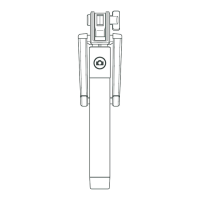
Step 6
POSE & TAKE SELFIE
Now simply pose for your Selfie and
press the shutter button on the
handle of The Vortex Pro I to remotely
take your photo.
Paso 6
POSE Y HÁGASE UN SELFI
Ahora no tiene más que posar para
su selfi y pulsar el disparador situado
en el mango del Vortex Pro I con el fin
de realizar su fotografía a distancia.



 To Next Page