Now press key ( ). On the display starts to flash day. Press
key ( ) or ( ) to set day, then press key ( ). On the
display starts to flash hours. Press key ( ) or ( ) to set
hours, then press key ( ). On the display starts to flash
minutes. Press key ( ) or ( ) to set minutes, then press key
( ). The display stops flashing. Now is possible to move to
the next program space. Press ( ) to move to the next program
space or press ( ) to move to the previous program space.
The time program has 32 program spaces. Time commands for day
and night temperature are successively followed. Unused time
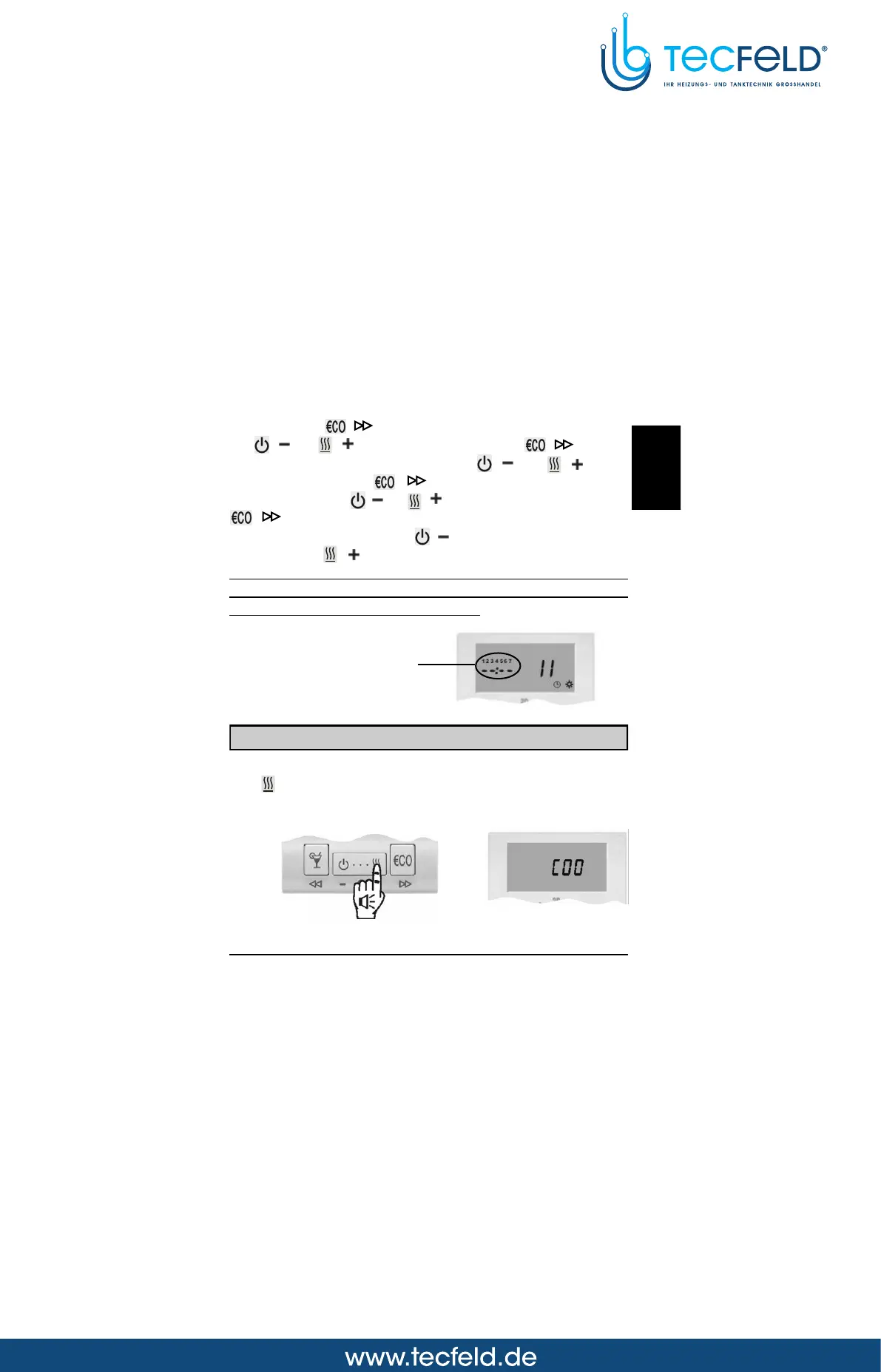
programs are marked as --:-- (Picture 14).
USER MANUAL
11
Picture 14
Selection between heating or cooling
To switchover between heating and cooling and vice versa, hold
key for approximately 10 seconds (Picture 15). Release key
after you hear a beep. The display writes out active mode for a
few seconds, HEA - heating or COO - cooling (Picture 16).
Unused time
command
Picture 15
Picture 16
GB



 To Next Page