Time
command
USER MANUAL
Modifying the time program
10
The selected time program can be modified. In that way you can
make your own time program.
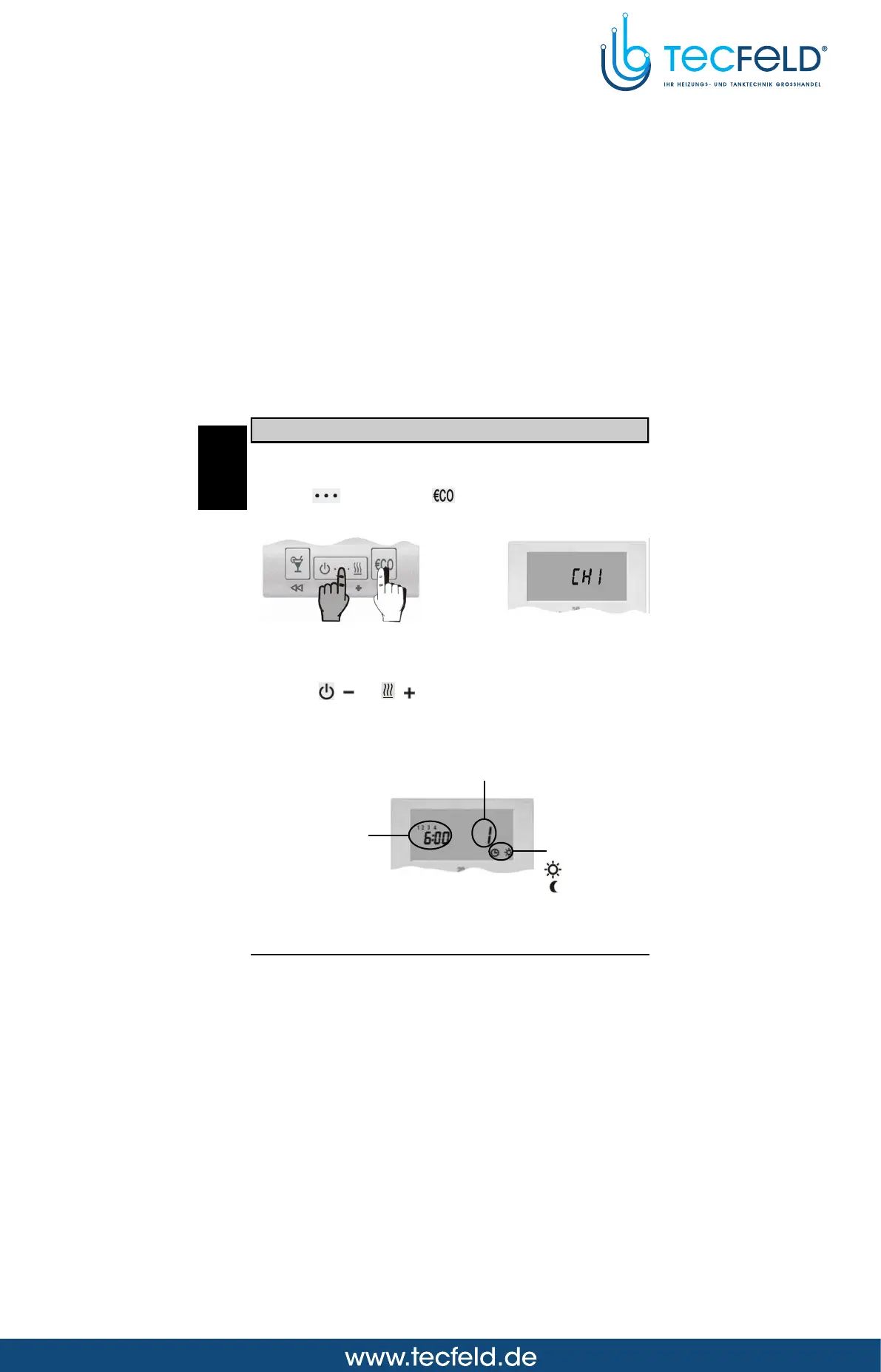
Hold key and press key (Picture 11). Release both keys
after you hear a beep. The display shows CH1 (Picture 12).
Picture 11
Picture 12
Press key ( ) or ( ) to select the program space that you
want to modify. The display simultaneously shows the time
command and the successive number of the program space
(Picture 13).
Picture 13
Successive number of the
program space
Program timer
- night temperature
- day temperature
GB



 To Next Page