EasyManua.ls Logo

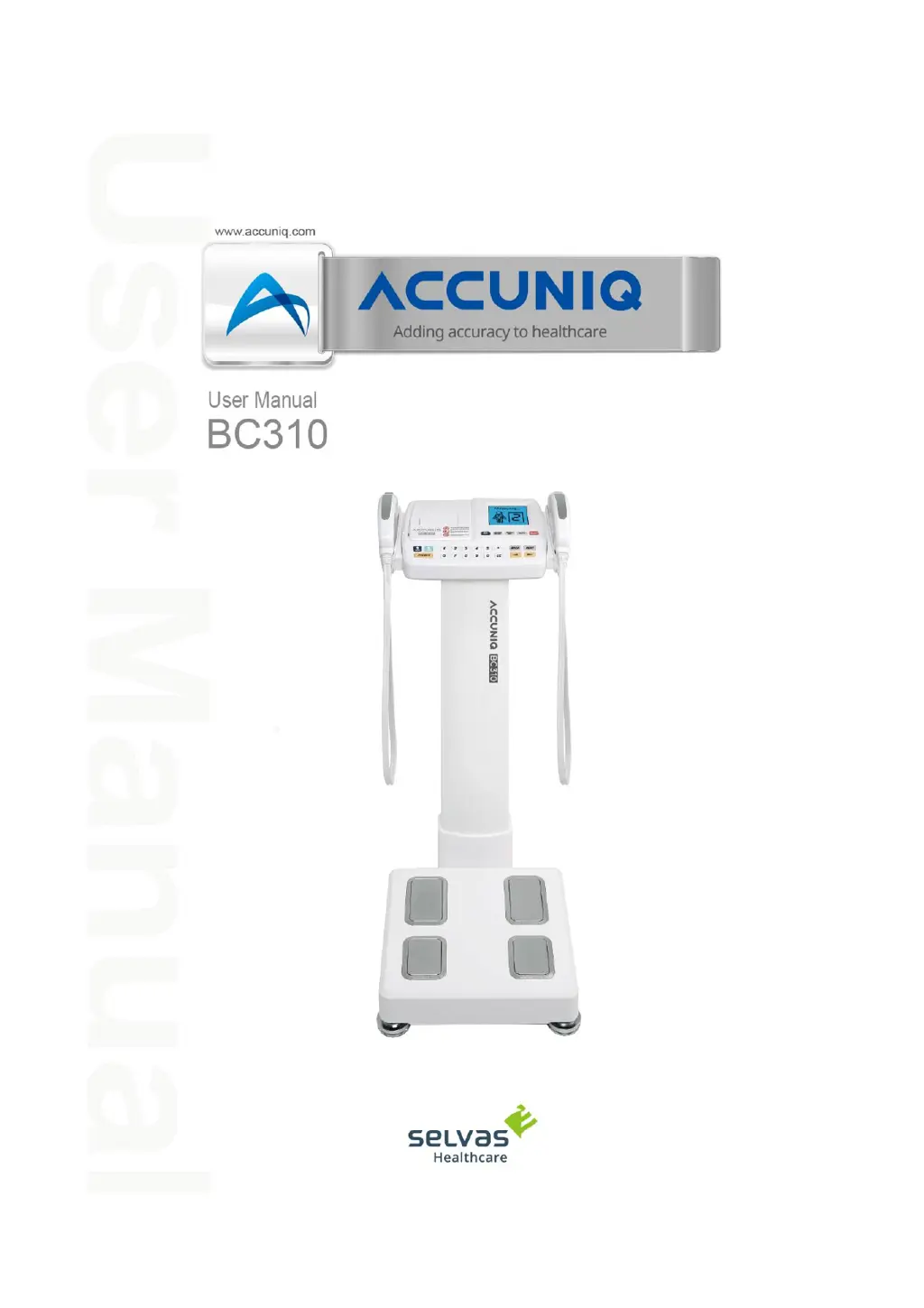
SELVAS Healthcare Accuniq BC310 - User Manual

SELVAS Healthcare Accuniq BC310
75 pages
Print Icon
To Next Page IconTo Next Page
Loading...

Questions and Answers

Summary

Introduction and Safety Information

Intended Use and Definitions

Specifies the device's intended use and defines key terms and conventions used in the manual.

Classification and Compliance

Details the device's classification and compliance with relevant standards and directives.

General Safety Precautions

Lists critical warnings, cautions, and prohibitions for safe operation and user protection.

Safety Symbols and Information

Explains standard safety symbols and their meanings for medical electrical equipment.

Electromagnetic Compatibility (EMC)

Electromagnetic Emissions Guidance

Provides manufacturer's declaration on electromagnetic emissions compliance and guidance.

Electromagnetic Immunity Guidance

Details manufacturer's declaration on electromagnetic immunity compliance and guidance.

RF Separation Distances

Recommends separation distances for portable and mobile RF communication equipment.

Understanding Body Composition

Key Body Composition Metrics

Defines body composition, obesity, and waist-to-hip ratio for health assessment.

Fatness and Segmental Analysis

Explains abdominal fatness and analysis of body parts for exercise/rehab evaluation.

Device Components and Operation

Main Body and Parts Overview

Describes the main body, front, rear, and base parts of the device.

Controls and Input Devices

Details the handle electrodes and keypad functions for operation.

Included Packages and Options

Lists standard package contents and available optional accessories.

Installation Guide

Basic Product Installation

Covers connecting power supply, scale cable, and ensuring proper leveling.

Peripheral Device Installation

Explains how to connect external devices like PC, printers, and blood pressure monitors.

Thermal Paper Management

Provides instructions for replacing thermal paper and troubleshooting jams.

Optional Column Installation

Details the process and components for installing the optional column.

System Setup Configuration

System Setup Navigation

Guides users on how to enter, navigate, and select menus within the system setup.

Configurable System Settings

Details settings for date/time, volume, contrast, backlight, abdominal analysis, goal, date type, key sound, and thermal printer.

Measurement and Analysis Procedures

Measurement Preparation and Precautions

Outlines essential guidelines for ensuring accurate and reliable measurement results.

Correct Posture and Technique

Explains the proper posture and electrode contact methods for accurate measurements.

Measurement Steps by Model

Provides step-by-step guides for performing measurements on whole, upper, and lower body models.

Advanced Analysis with Software

Describes how to perform analysis using a connected blood pressure monitor or software program.

Interpreting Measurement Results

Whole Body Result Details

Explains interpretation of personal data, BMI, PBF, and WHR for whole body analysis.

Upper;Lower Body Result Details

Explains interpretation of personal data, BMI, and PBF for upper/lower body analysis.

Key Analysis Metric Explanations

Defines Segmental Analysis, Body Composition, BMR, Body Type, Ratio, Goal, and Impedance.

Storage and Maintenance

Operating and Storage Conditions

Lists environmental, electrical, cleaning, and disinfection guidelines for proper care.

Troubleshooting and Error Resolution

Common Errors and Repair Steps

Identifies common errors, their causes, and provides step-by-step repair instructions.

After-Sales Service and Warranty

Contacting Service and Warranty Information

Guides users on how to contact the service department and provides warranty details.

Packing and Transport Guidelines

Provides instructions for safely packing and transporting the device.

Product Specifications

Technical Specifications Overview

Details the model, measurement method, frequency range, main items, current, power, display, and dimensions.

Periodic Maintenance Checklist

Periodic Inspection Items

Lists items and requirements for periodic visual, mechanical, and electrical checks.

Daily Maintenance Checklist

Daily Inspection Items

Lists items and requirements for daily visual, mechanical, electrical, and clock checks.

SELVAS Healthcare Accuniq BC310 Specifications

General IconGeneral
Product NameAccuniq BC310
ManufacturerSELVAS Healthcare
CategoryMedical Equipment
Device TypeBody Composition Analyzer
Measurement MethodBioelectrical Impedance Analysis (BIA)
Weight Increment0.1 kg
Power SupplyAC 100-240V, 50/60Hz
Operating Temperature10°C to 40°C
Measured ParametersBody Fat Percentage, Muscle Mass, Basal Metabolic Rate, Visceral Fat Level, BMI
Weight Capacity250 kg
Electrode TypeStainless Steel
Electrode Method8-Point Tactile
Frequency50 kHz
DisplayLCD
Operating Humidity30% to 75% RH
Data OutputUSB, Bluetooth
Software CompatibilityAccuniq Manager