EasyManua.ls Logo

Sempre AE7-WEL-30 - User Manual

Sempre AE7-WEL-30
39 pages
Print Icon
To Next Page IconTo Next Page
Loading...
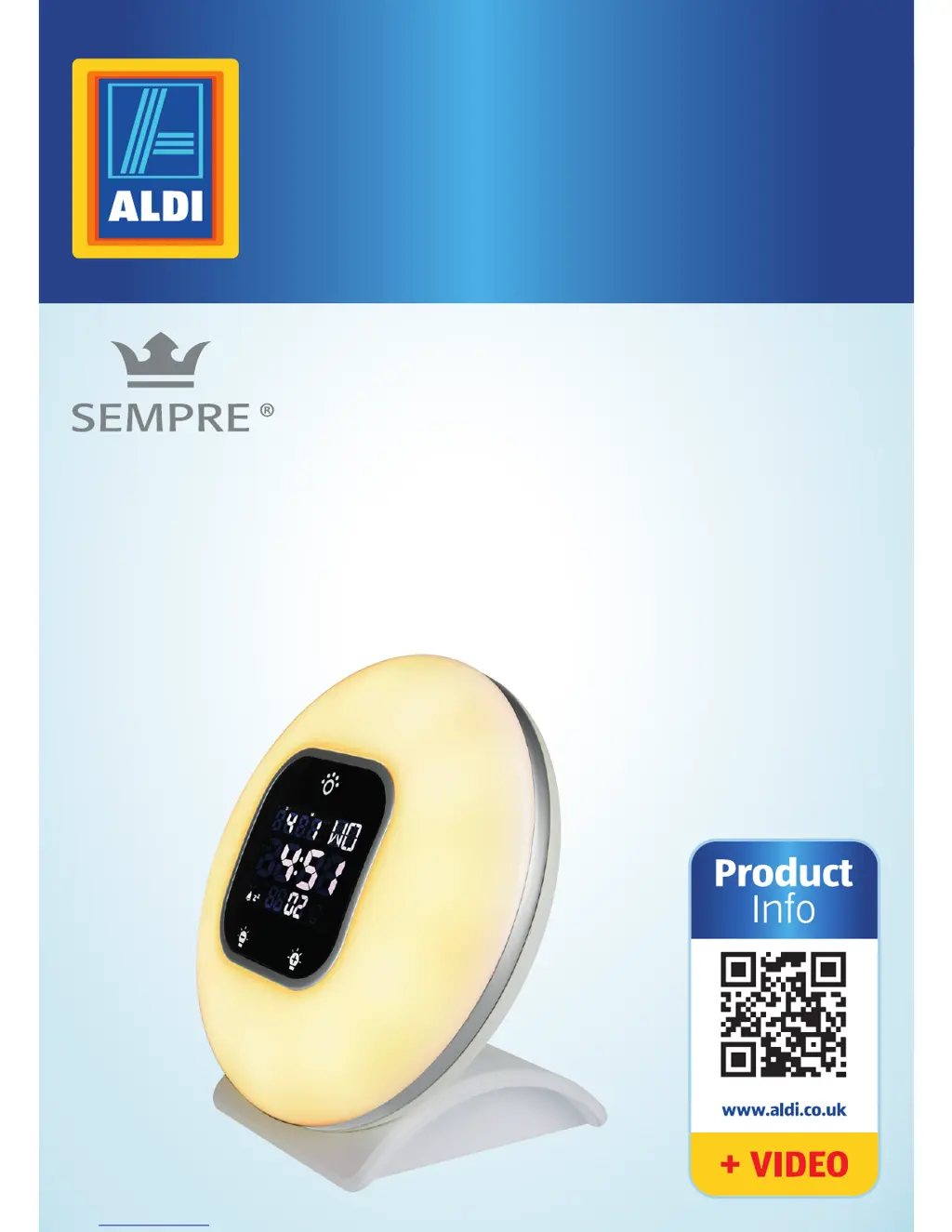
User Manual
SUNRISE ALARM CLOCK
WITH MUSICAL ALARM AND RADIO
Spend a lile Live a lot.

Questions and Answers

  • J
    joshuagonzalesJul 31, 2025
    What to do if my Sempre Alarm Clock doesn't sound?
    • F
      floreskatherineJul 31, 2025
      If your Sempre Alarm Clock doesn't sound when the wake-up alarm is triggered, ensure the volume isn't set too low and that the sound for the wake-up alarm is activated. If you've selected the radio as the alarm sound, the radio may be defective. After switching off the alarm, push the button. If the radio still doesn’t work, contact the service address specified on the warranty card.
  • J
    Joshua CampbellAug 4, 2025
    How to fix a Sempre AE7-WEL-30 that is not working?
    • M
      Michael YoungAug 4, 2025
      If the sunrise alarm clock is not working, ensure that the mains cord is properly inserted into the female plug of the sunrise alarm clock and that the mains adapter is correctly connected to the socket. Also, check the power supply by connecting another device to the socket to rule out a power failure.
  • C
    Christina BeckerAug 9, 2025
    Why can't I adjust functions on my Sempre AE7-WEL-30 Alarm Clock?
    • T
      thomas10Aug 9, 2025
      If different functions cannot be adjusted on your Sempre Alarm Clock, the device might be in battery operation, which limits function availability. Connect the sunrise alarm clock to a socket. Alternatively, the microprocessor might need a reset. Push the RESET button on the back of the sunrise alarm clock, or unplug the mains adapter from the socket and then reconnect the sunrise alarm clock to the mains. This will reset the sunrise alarm clock to the factory settings.
  • A
    Arthur ReeseAug 13, 2025
    What to do if the radio crackles on my Sempre AE7-WEL-30?
    • K
      Kim CooperAug 13, 2025
      If the radio crackles or isn't working on your Sempre Alarm Clock, the radio signal might be too weak. Set the frequency and adjust the position of the antenna cord. If the radio function is defective, contact the service address provided on the warranty card.
  • R
    Ryan Williams MDAug 17, 2025
    Why is the wake-up light on my Sempre AE7-WEL-30 turning on too early?
    • N
      Nicholas JonesAug 17, 2025
      If the wake-up light on your Sempre Alarm Clock turns on too early or too late, the selected brightness may not be suitable for you. Select a higher brightness if you wake up too late, or a lower intensity if you wake up too early. Also, ensure that the sunrise alarm clock is level with your head and not covered by bedding.
  • R
    rphillipsAug 21, 2025
    What to do if the light doesn't turn on with the alarm on my Sempre AE7-WEL-30?
    • C
      Carrie DavisAug 21, 2025
      If the light does not illuminate when the wake-up alarm is triggered on your Sempre Alarm Clock, the brightness might be set too low, or the wake-up light is deactivated. Set the brightness or activate the light as described in the chapter 'Operation'.
  • R
    Raymond MullinsAug 26, 2025
    Why didn't my Sempre Alarm Clock go off today?
    • J
      justinthorntonAug 27, 2025
      If the alarm was activated the day before, but not today on your Sempre Alarm Clock, the alarm function may be disabled. Set the alarm function for the next day. To keep the alarm active, switch the alarm sound and light off by pushing or holding down the touch button or the button after it activates. The alarm will then continue to be active and will sound at the same time the next day.

Summary

Safety Guidelines

Proper Use of the Sunrise Alarm Clock

Guidelines on intended use, private indoor use, and limitations of the sunrise alarm clock.

General Safety Notes

Important warnings regarding electrical hazards, mains connection, and handling damaged components.

Battery Safety Risks

Details potential health risks from battery leakage, ingestion, and improper disposal or charging.

First Use Instructions

Device Operation

Setting Date, Time, and Language

Procedure for configuring the device's date, time, and display language settings.

Setting Alarm and Wake-Up Light

Guide to setting the alarm time, wake-up light duration, and sound.

Testing the Alarm

How to perform a quick test of the alarm and wake-up light functions.

Radio Functions

Using the Device as a Light

Resetting Device Settings

Battery Operation and Replacement

Troubleshooting Common Issues

Technical Data and Compliance

Product Disposal Information

Sempre AE7-WEL-30 Specifications

General IconGeneral
Display TypeLED
Alarm TypeBuzzer
Battery TypeAAA
Battery Count2
ColorWhite
TypeAlarm Clock