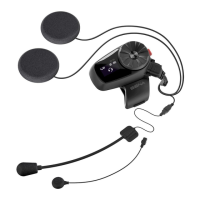
Microphone Mode Change
/ /
Tap Tap Tap
1st Friend 2nd Friend 3rd Friend
Tap Double Tap Triple Tap
Start
Bluetooth Mic A Bluetooth Mic B
Press
5”
Tap
Press
5”
Pairing
Status LED
Status LED
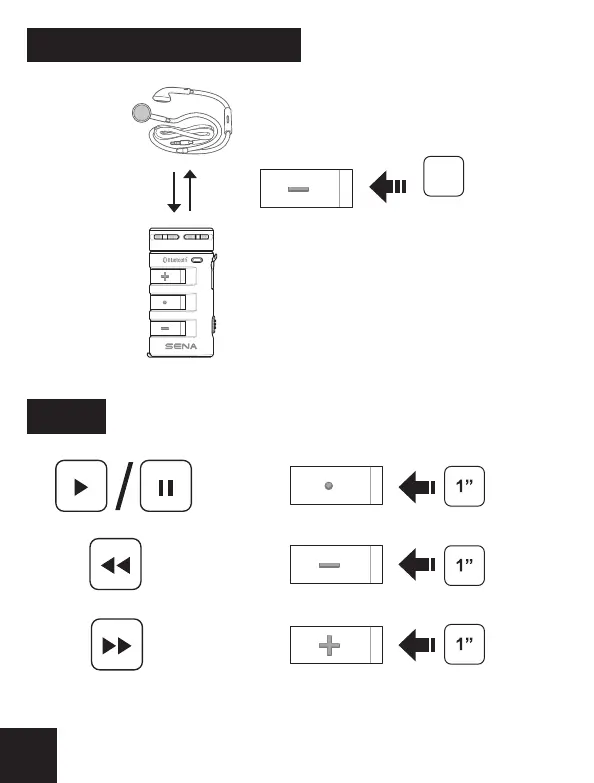
Music
Press
Press
Press
Tap
End
1st Friend
2nd Friend
3rd Friend
A
C
Last Come, First Served
B
D
Order of pairing
① ② ③
Press
3”
IntercomBluetooth Mic Pairing
Multiple Bluetooth Mic Pairing Intercom
Intercom
Intercom
A full version of the manual is downloadable at
www.sena.com.
Sena Technologies, Inc.
www.sena.com
Customer Support : support.senabluetooth.com
Tel : 408-300-9797 E-mail : support@sena.com
4
5 6


 To Next Page