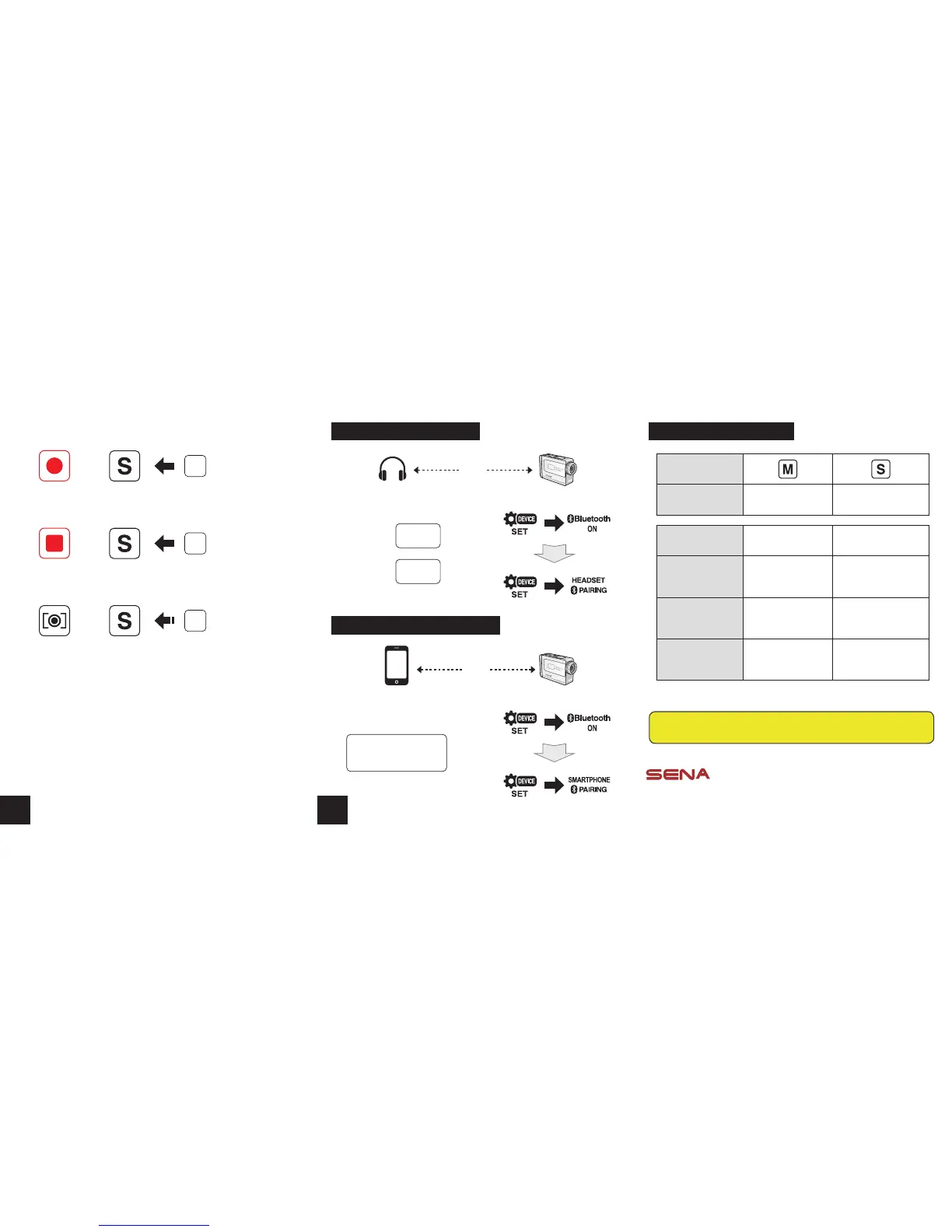
Bluetooth Headset Pairing Bluetooth Remote Control
Recording
Tap
Shot Button
press
1”
Still Shot
While Recording
Shot Button
Stop
Tap
Shot Button
Sena Technologies, Inc.
www.sena.com
Customer Support : support.sena.com
Tel : 408-300-9797 E-mail : support@sena.com
A full version of the manual is downloadable at
www.sena.com.
Camera Button
Camera Function Menu move Execute
Headset Function Track back / forward Play / Pause
Sena Jog Dial Type
Headsets
Rotate Jog Dial
while pressing
Press and hold
Jog Dial for 1 sec
Sena 3-button Type
Headsets
Press and hold (+) /
(-) Button for 1 sec
Press and hold Center
Button for 1 sec
Non-Sena Headsets -
Dial (or redial) /
Ending a call
Bluetooth Smartphone Pairing
Smartphone PRISM
Pairing
Pair the camera in the
Bluetooth setting
Headset
PRISM
Pairing
Sena
Headset
Intercom
pairing
Non-Sena
Headset
Phone
pairing
4
5



 To Previous Page