Prior to use
EN
16 EN
Copyright © 2016, Fast ČR, a. s. Revision 04/2017
NOTICE:
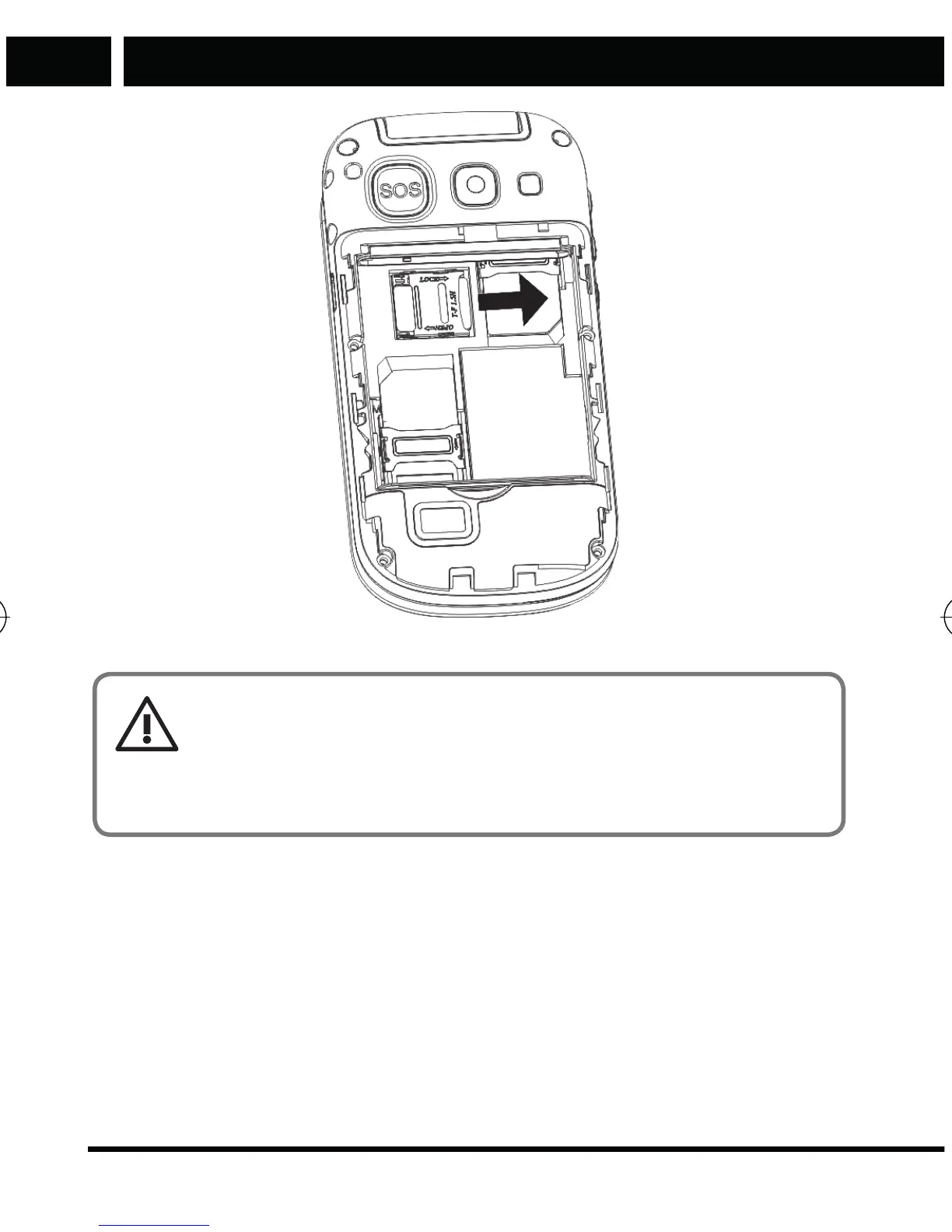
If the memory card does not work, make sure it is properly
installed and has good contact. The maximum size of supported
memory cards is 8 GB.
When inserting the battery in the phone, first connect the battery contacts
with the contacts located in the phone (at the top) and then gently push the
battery into the battery compartment.
Element P006S EN CZ SK HU PL.indb 16 24.04.2017 23:41:20



 To Next Page