- 5 -
03/2022
2022,
Note:
Note:
During use, icon
will turn on and off depending on when
the heating element of the convection heater is turned on or
off. This is normal.
Setting the heating power of the convection heater
1. While the convection heater is in operation, press button
to set
high power (icon will be lit), or to turn off the heating element of
the convection heater (icon will turn off but the convection heater
will continue to run).
2. While the convection heater is in operation, press button to set
low power (icon will be lit), or to turn off the heating element of
the convection heater (icon will turn off but the convection heater
will continue to run).
ECO functions
• At the same time, press and hold down buttons
and for approx.
3 seconds to activate the ECO function. The display backlight will dim
and based on the performed settings certain icons will turn off.
• The ECO function is suitable when using the convection heater at
night. It provides greater sleep comfort as it does not disturb you with
the display light.
Setting the timer
The convection heater enables two timers to be set:
– the heating element automatically shuts off after the set time has
elapsed; and
– the heating element automatically turns on after the set time has
elapsed.
1. Automatic shut off
• While the convection heater is turned on, press button
twice. The
numerical display will start flashing.
• Use buttons
/ to set the time after which the heating element
will turn off. Your settings are saved when the numerical digits stop
flashing. The display will show the current temperature, icon will be
lit and the countdown will start.
• The duration of the timer can be set in the range from 0 h to 24 h.
• When the set time has elapsed, the heating element of the convection
heater will automatically shut off and the convection heater will stop
heating.
2. Automatic start
• While the heating element of the convection heater is turned off, press
button
twice. The numerical display will start flashing.
• Use buttons
/ to set the time after which the heating element
will turn itself on in high power mode. Your settings are saved when
the numerical digits stop flashing. The display will turn off, but icon
will remain lit. The countdown will start.
• The duration of the timer can be set in the range from 0 h to 24 h.
• When the set time has elapsed, the heating element of the convection
heater will automatically turn on and the convection heater will start
heating in the high power mode.
Child safety lock
• The child safety lock function enables the control panel to be locked
and prevents accidental changes to your settings.
• To activate the lock function, press and hold down buttons
and
for approximately 3 seconds. The control panel will be locked and
all the control buttons will be disabled. After approx. 5 seconds the
display will show the temperature.
• To deactivate the lock function, press and hold down buttons
and
for approximately 3 seconds.
Dimming the display
• While the convection heater is running, the backlit display will
automatically turn off after several minutes of inactivity. If the control
panel located underneath the numerical display is touched, the
backlight of the display will again be activated.
Toggling the temperature units
• To toggle the units from °C to °F, press and hold down buttons
and
for approximately 10 seconds. To toggle the units back to °C, press
and hold down these buttons for approximately 10 seconds.
Open window detection
• The convection heater is equipped with asensor that detects and
reports an open window.
• If the temperature falls by 3 °C within 2 minutes, the open window
sensor safety switch is triggered, causing the heating element of
the convection heater to turn off and the convection heater will stop
heating. Error message "E4" will appear on the display. Turn off the
convection heater using button
to reset the sensor. Then turn the
convection heater back on again.
Thermal protection
• The appliance is equipped with athermal fuse that automatically turns
it off upon overheating.
• Should such asituation occur, turn the appliance off and disconnect
it from the power socket. Then allow it to cool down for at least 15
minutes.
• Before you put the appliance back into operation, check that its vents
are not blocked.
• If you are unsuccessful putting the appliance back into operation,
please contact an authorised service centre.
. . . . . . . . . . . . . . . . . . . . . . . . . . . . . . . . . . . . . . . . . . . . . . . . . . . . . . . . . . . . . . . . . . . .
CONTROL VIA THE SENCOR HOME APPLICATION
• The convection heater can be controlled via the SENCOR HOME
application.
• Download the application to your smart phone, register yourself and
control the convection heater via the application.
If you already have the application installed, add the convection heater
to your devices.
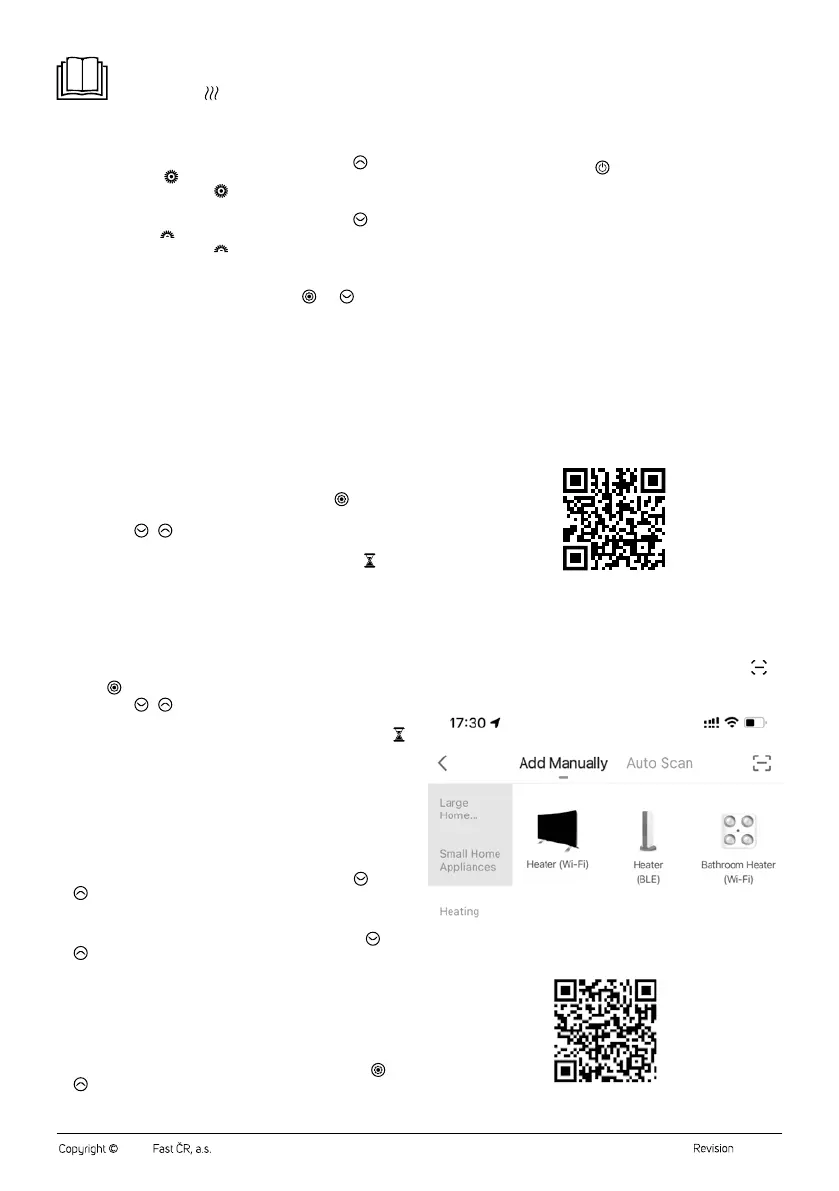
Adding the convection heater to the device list via aQR code
The convection heater can also be added to the Sencor HOME application
using the QR code provided below. On the home screen of the application,
click on the "+" icon and on the add device screen, click on the icon
in
the top right hand corner.
QR code for adding the control panel of the convection heater to the
application
Sencor HOME


 To Next Page
 Loading...