EN - 2
BATTERY ASSEMBLING
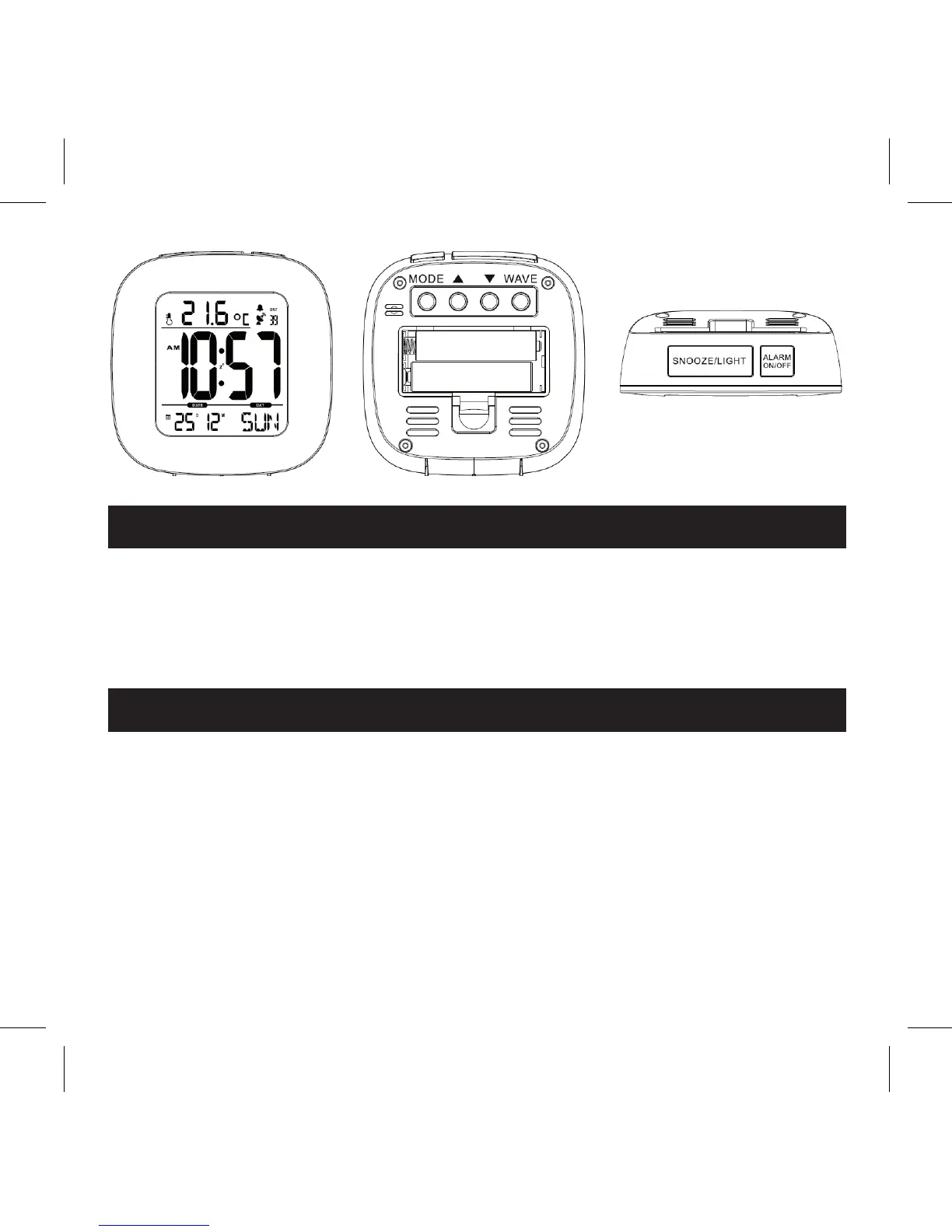
Open the battery compartment cover. Insert 2xAAA batteries according to the
correct polarity showed in the compartment.
Once powering on, the clock will start RC signal searching automatically.
Press ‘WAVE’ button to stop the RC signal searching.
MANUAL SETTING
Under normal displaying mode, hold on pressing ‘MODE’ button for seconds
toenterintotimesettingmode,thesettingdigitwillbeashing.Press or
toadjust.Thesettingorderis12/24hr→timezone→hour→minute→year→
month→date→languageofweek.Press‘MODE’buttontoconrmthesetting.
If there is no operation in 30 seconds, it will turn to normal time displaying
mode automatically.



 To Next Page