EasyManua.ls Logo

Sencor SLE 1955M4 - Page 15

Sencor SLE 1955M4
36 pages
Print Icon
To Next Page IconTo Next Page
To Previous Page IconTo Previous Page
Loading...
Remote
control
E
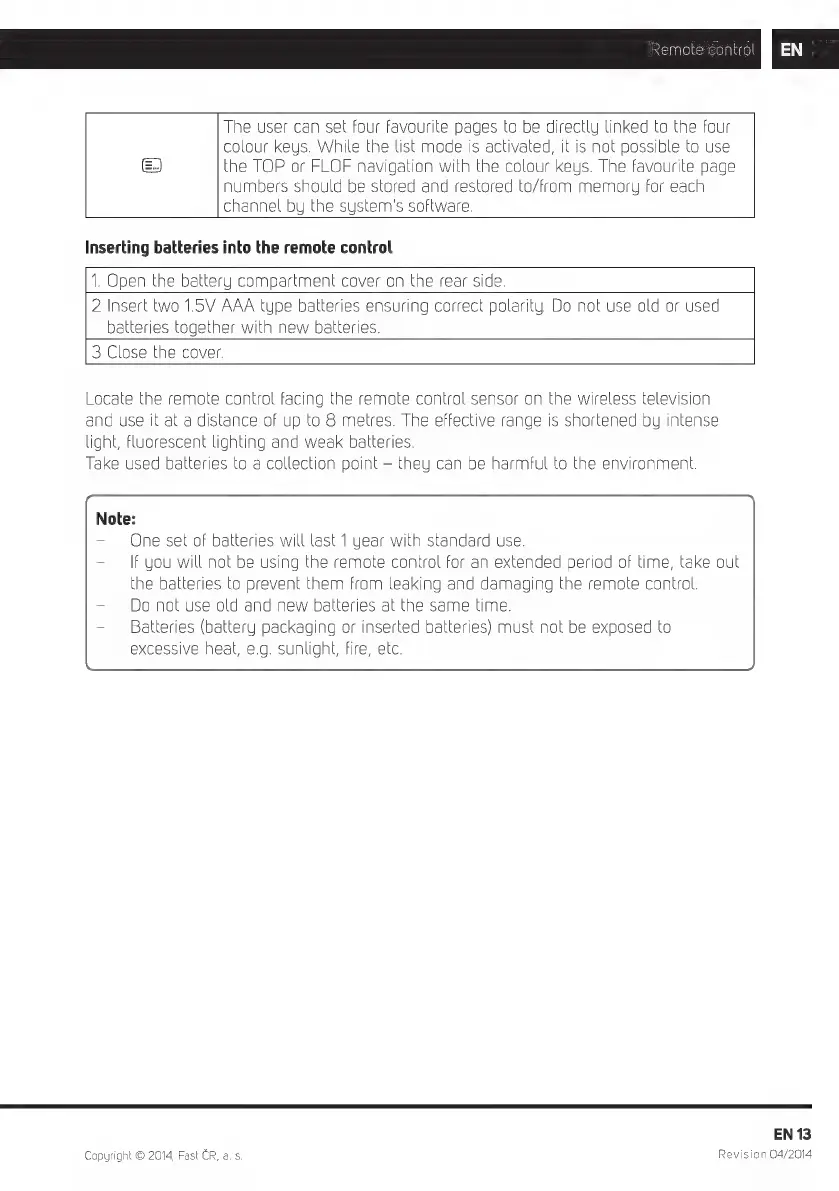
The
user
can
set
four
favourite
pages
to
be
directly
linked
to
the
four
colour
keys.
While
the
list
mode
is
activated,
it
is
not
possible
to
use
the
TOP
or
FLOF
navigation
with
the
colour
keys.
The
favourite
page
numbers
should
be
stored
and
restored
to/from
memory
for
each
channel
by
the
system's
software.
Inserting
batteries
into
the
remote
control
1.
Open
the
batte
y
compartment
cover
on
the
rear
side.
2
Insert
two
1.5V
batteries
toge
AAA
type
batteries
ensuring
correct
polarity.
Do
not
use
old
or
used
her
with
new
batteries.
3
Close
the
cover.
Locate
the
re
and
use
it
at
light,
fluoresc
Take used
ba
One
se
he
bat
Do
not
use
old
Batteries
(battery
packaging
or
inserted
batteries)
must
not
be
exposed
to
excessive
heat,
e.g.
sunlight,
fire,
etc.
mo
a
di
ent
Sta
ter
ies
of
bat
f
you
will
not
e
control
facing
the
remote
control
sensor
on
the
wireless
television
nce
of
up
to
8
metres.
The
effective
range
is
shortened
by
intense
üghting
and
weak
batteries.
o a
collection
point
-
they
can
be
harmful
to
the
environment.
eries
will
last
1
year
with
standard
use.
and
new
batteries
at
the
same
time.
be
using
the
remote
control
for
an
extended
period
of
time,
take
out
eries
to
prevent
them
from
leaking
and
damaging
the
remote
control.
Copyright
©
2014,
Fast
CR,
a. s.
EN
13
Revision
04/2014

Related product manuals