EN-4 EN-5
To turn the device on or o, hold down the ON/OFF power button for
3 seconds a BEEP sound will be played to conrm.
To increase the volume, press the Up ▲ button; to reduce the volume,
press the Down ▼ button.
The volume level is displayed on the screen.
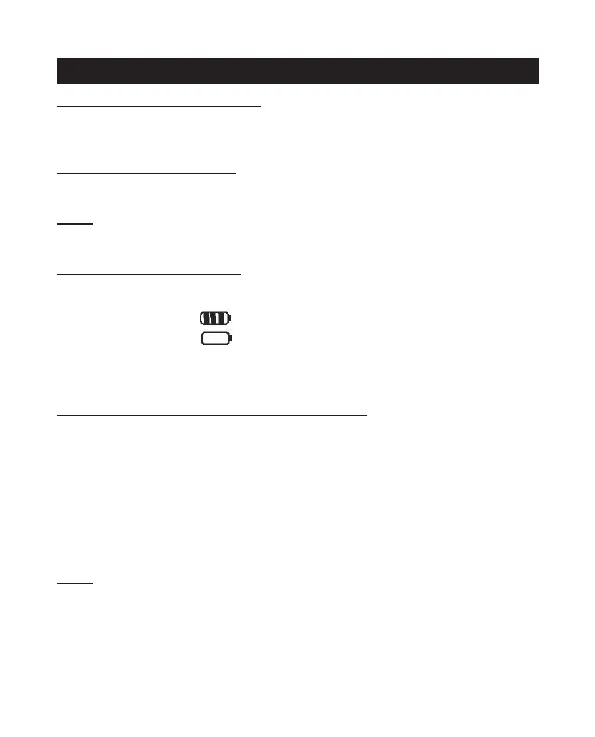
The battery is indicated by number of squares present inside the
battery icon on the LCD screen.
Battery Full
Battery empty
When the battery is low, the battery icon will ash and a beep will be
heard to indicate that the batteries need to be replaced.
When the display is on, the devices are in “Reception” mode, i.e.
they are ready to accept a call or sound transmitted on the activated
frequency.
When you press the Call/PTT (Call) button, the devices switches to
“Transmit” mode and will send a sound signal to other device.
For a voice transmission, press and hold the Call/PTT (transmit)
button and speak into the microphone. Hold down this button until the
transmission of your message is complete.
Hold the microphone a minimum of 5 cm from your face.
- The other device must be set to the same channel and have set the
same CTCSS code (see point 7)
- After completing the transmission and releasing the Call/PTT button,
the other device will make a sound signal (BEEP) to indicate that this
device is ready to transmit.


 To Next Page