ADN Digital Conference System | 165
Using the “Conference Manager” software
Logging in the wireless conference units to the conference system –
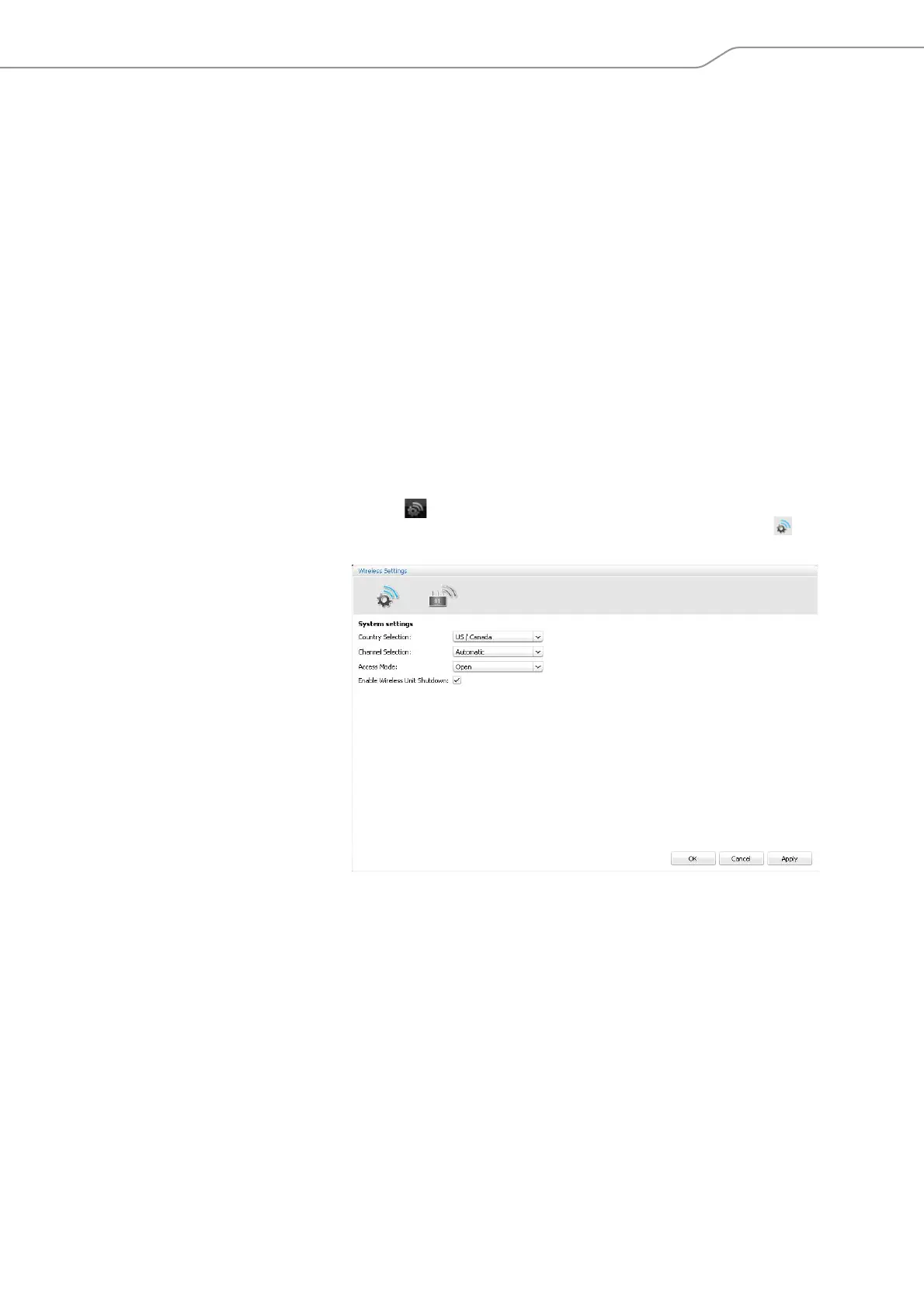
“Access Mode“
There are different options for logging-in the wireless conference units to the con-
ference system:
• Automatic log-in to an open wireless conference system (“Access Mode -
Open“)
All wireless conference units that are ready for operation automatically con-
nect to the antenna module and can be used instantly. This access mode should
be used if only one wireless conference system is in use and if the default
eavesdropping protection is sufficient.
• Manual log-in to a closed wireless conference system (“Access Mode - Closed“)
Only w
ireless conference units whose serial numbers are listed in a participant
list can be used in the wireless conference. If several wireless conferences are
held simultaneously, the closed access mode ensures that the wireless confer-
ence units connect to the correct conference system. This access mode
increases the protection against eavesdropping because only selected and
enabled wireless conference units can be used.
Calling up the settings for logging in the wi
reless conference units
왘 Activate “Live” operating mode (see “Controlling and monitoring a conference
– “Live” operating mode” on page 203).
왘 Click the icon on the toolbar.
The “Wireless Settings” window appears. The genera
l wireless settings are
displayed.



 To Next Page