Using the ADN Cable Calculator software
36 | ADN Digital Conference System
왘 Click the “Next” button.
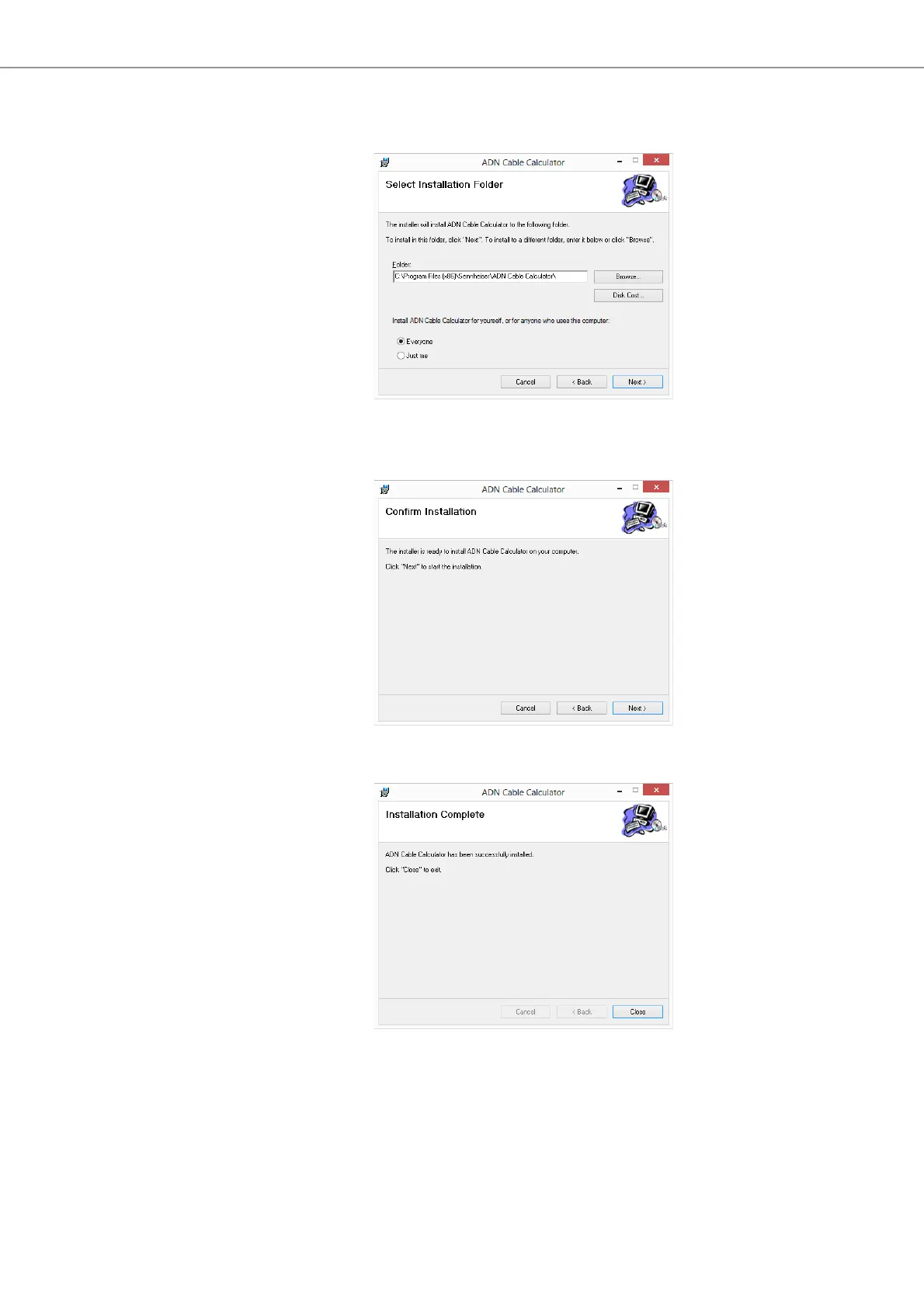
A selection window for specifying the installation location appears:
왘 Use the default or select an installation path.
왘 Click the “Next” button.
A summary
of the
selected installation settings is displayed:
왘 Confirm this summary by clicking the “Next” button.
The instal
lation is performed and a confirmation appears:
왘 Click the “Close” button.
Th
e
software has been successfully installed.



 To Next Page