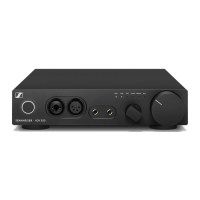
Putting the HDV 820 into operation
HDV 820 | 13
Apple OS X operating system
For an Apple Mac OS X operating system from version 10.6 onwards,
you do not have to install a driver. The HDV 820 is recognized auto
-
matically.
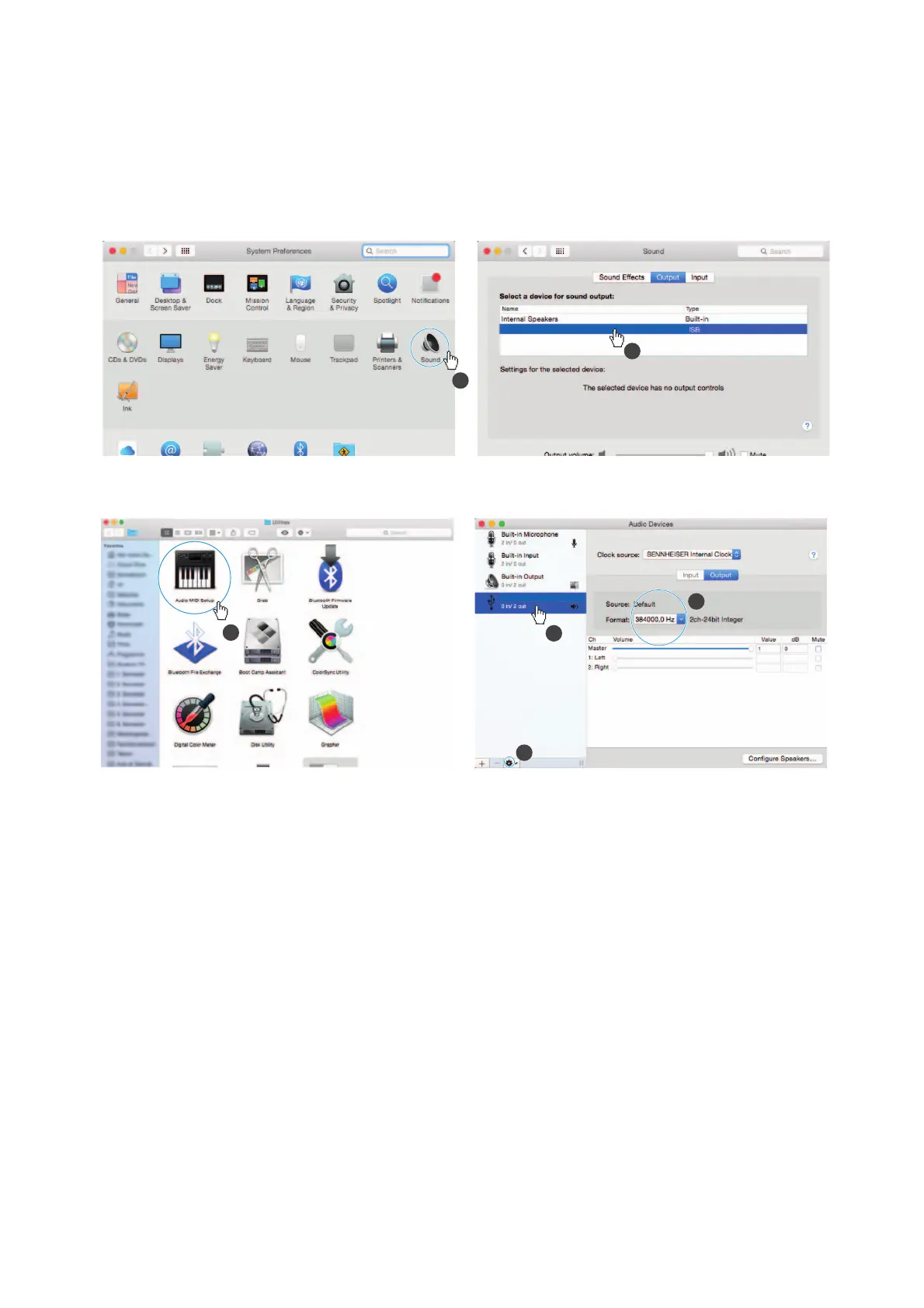
▷ From the System Preferences, select “Sound” and then select
“Sennheiser HDV 820” as the default audio output device.
▷ Open the “Audio Midi Setup” utility program and select
“Sennheiser HDV 820” from the left-side column.
▷ From the drop-down menu, select “Use this device for sound out-
put”.
▷ In the device settings, select the maximum sample rate from the
“Format” drop-down list. Select “384000 Hz” for the best possible
sound quality.
Microsoft Windows operating system
If you use a Microsoft Windows operating system, you have to install
USB Audio drivers that come with the “HDV 820 USB Audio Software
Package”. After installation of the drivers, the HDV 820 is recognized
automatically.
System requirements
• Intel Core 2 processor with 1.6 GHz (minimum) or similar proces-
sor
•2 GB RAM (minimum)
• Microsoft Windows 7/8/8.1/10 operating system (32 or 64 bits)
•HDV 820 USB Audio Software Package
1
2
SENNHEISER HDV820 Audio Out
3
1
2
4
SENNHEISER HDV820 Audio
SENNHEISER HDV820 Audio Out


 To Next Page
 Loading...