5
Putting the system into operation
Setting up the transmitter
왘 Place the transmitter so that there are no obstacles in the
light path between transmitter and receiver.
Note:
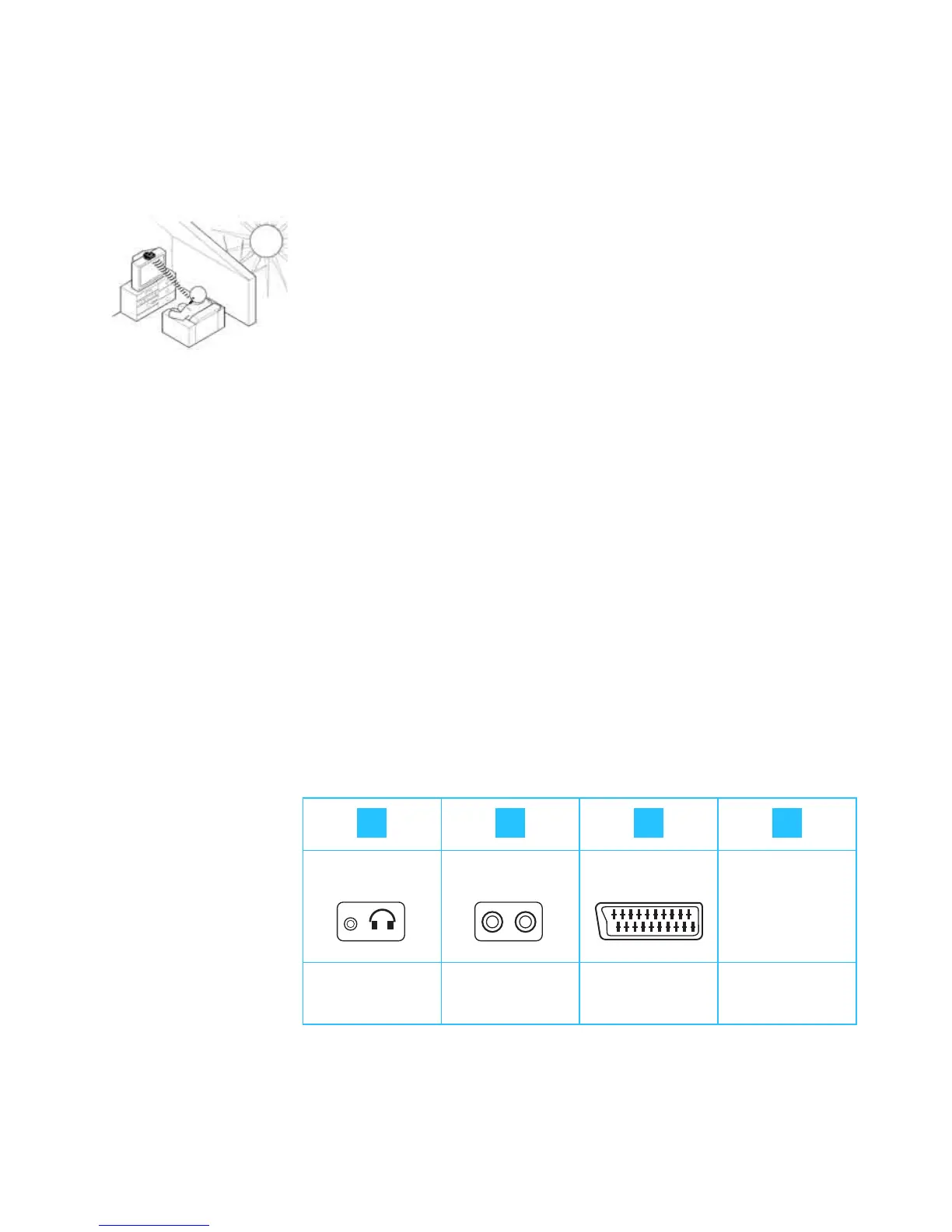
Avoid exposure to direct sunlight. Direct sunlight may inter-
fere with the reception and may damage the transmitter.
If you use a plasma TV screen, please observe the following to
ensure interference-free reception:
y Make sure that the transmitter’s infrared light beam is
pointed directly at the receiver and that the light path
between transmitter and receiver is not obstructed.
y If necessary, use a standard extension cable (3.5 mm stereo
jack plug) to reduce the distance between transmitter and
receiver. This extension cable is available from your
Sennheiser dealer.
Connecting the transmitter to the sound source
왘 Plug in one end of the connecting cable to the blue AUDIO
socket on the transmitter.
왘 Check the connection possibilities of your sound source (e.g.
TV).
No socket
Headphone
socket
RCA sockets SCART socket External
microphone
A B C D
TV TV
LR
AV


 To Next Page