MB Pro1 | MB Pro 2 | 25
Cleaning and maintaining the headset
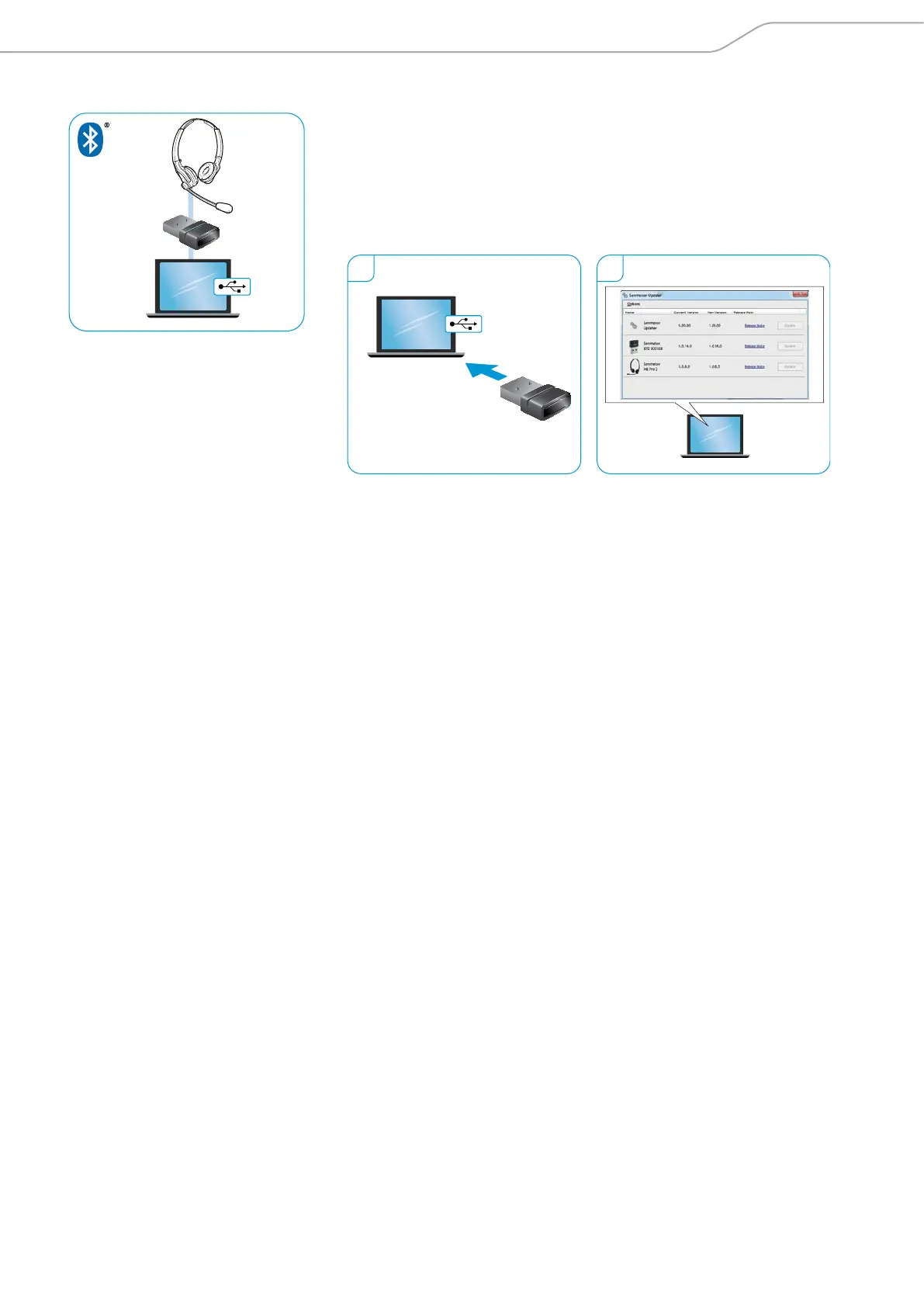
Updating the software of the Bluetooth USB dongle
1. Plug the Bluetooth USB dongle into the USB port of your PC.
2. Start the “Sennheiser Updater”.
The “Sennheiser Updater” compares the installed firmware version of the
Bluetooth USB dongle to the latest firmware version available for download.
Upgrade to the latest version according to the instructions of the “Sennheiser
Updater”.
1 2




 To Next Page