HD 4.40BT | 17
Getting started
Disconnecting the headphones from your Bluetooth device
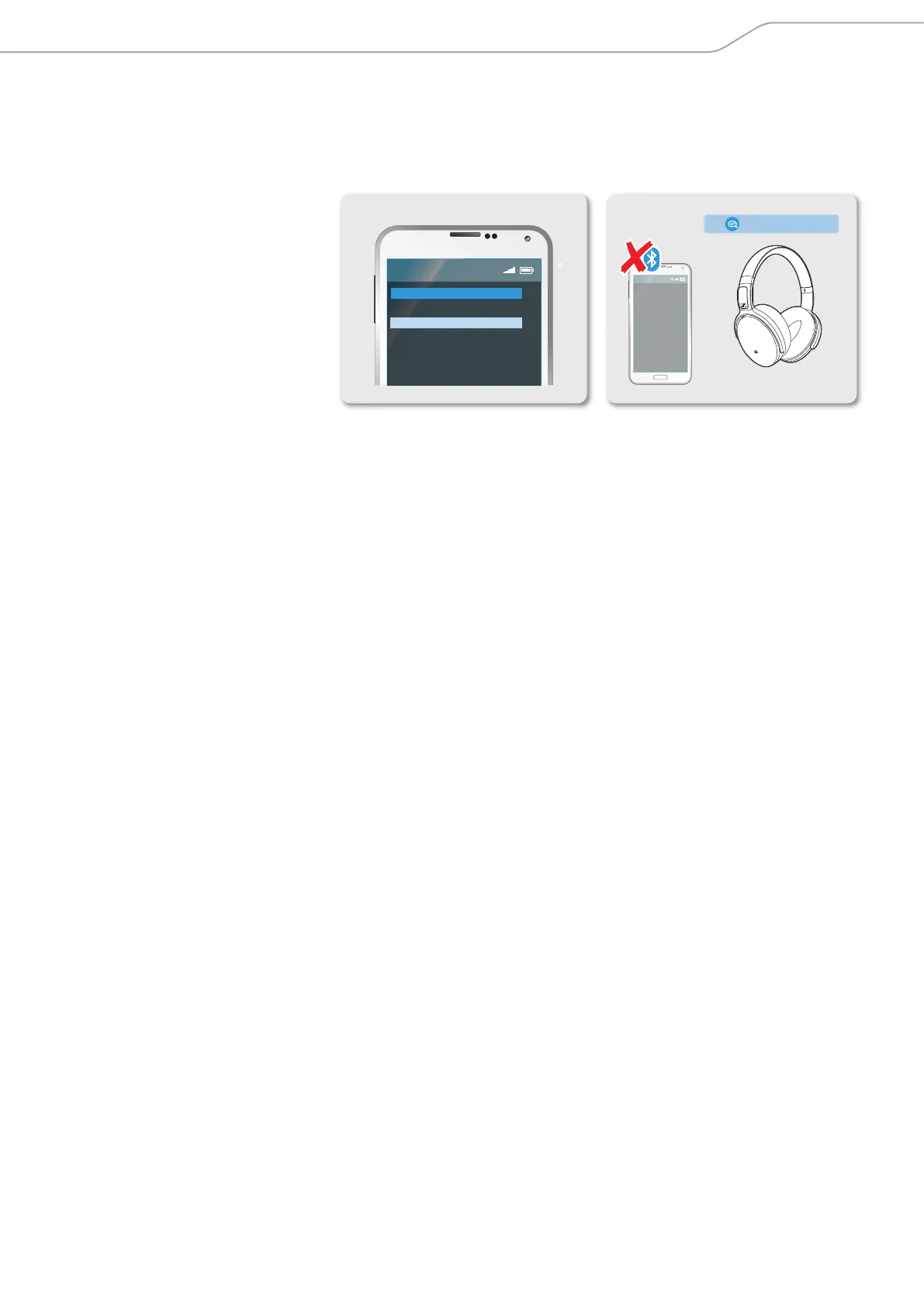
X Deactivate Bluetooth on your smartphone.
The headphones are disconnected from the smartphone. The headphones
then search for other paired devices. If no device is found, you hear the voice
prompt “lost connection”. The headphones go to idle mode.
› lost connection ‹
Menu
Bluetooth on
Bluetooth off



 To Next Page