Configuring the TVS 200 Earbuds
16 | Sennheiser TVS 200 Earbuds
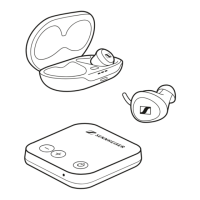
Adjusting the earbuds to your ears
The silicone ear adapters are an essential part of your earbuds and
are available in three sizes: 1, 2 and 3. The size is indicated on the ear
adapter.
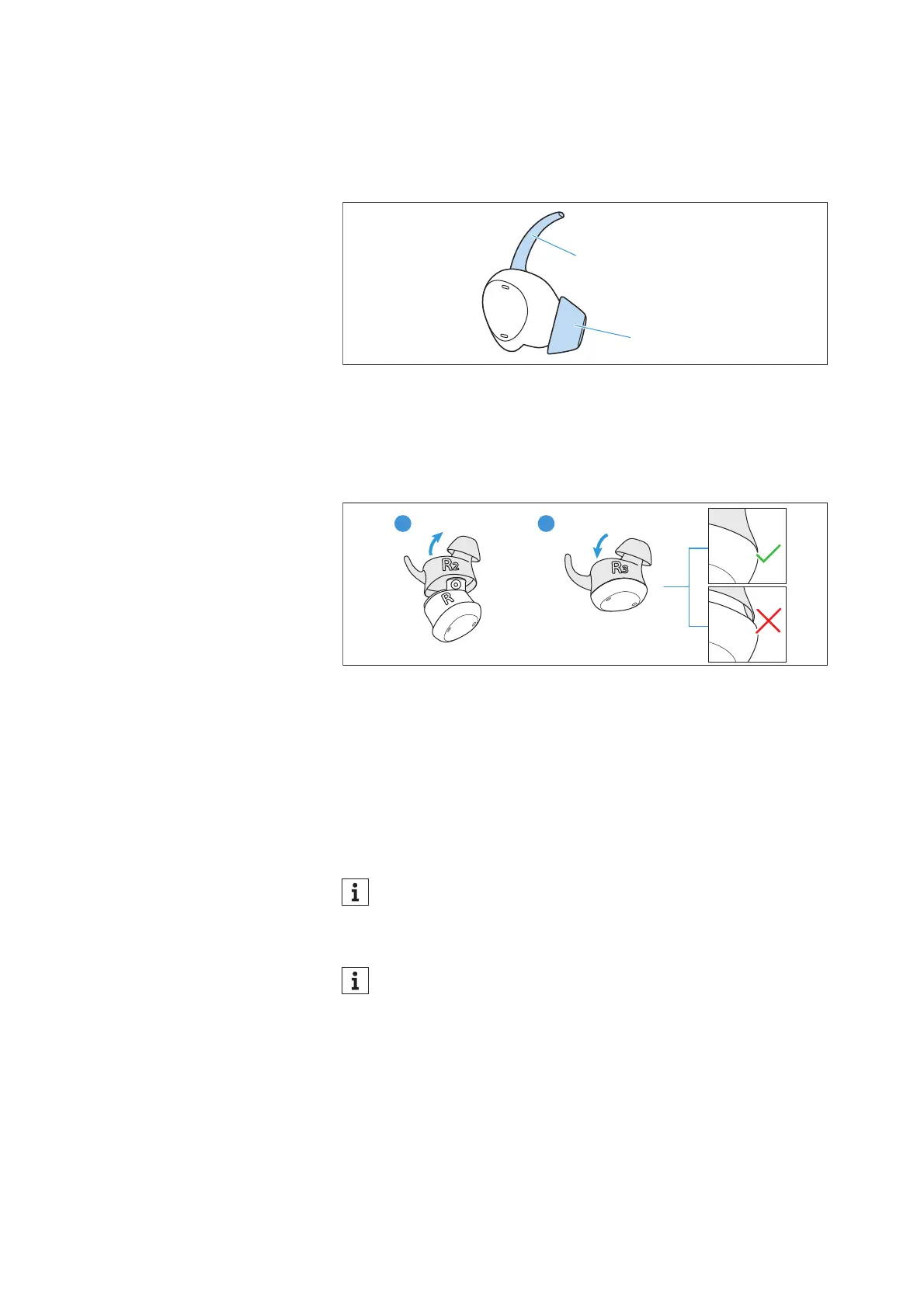
1. The retention helps to hold the earbud in place.
2. The dome must fit snugly on your ear canal to ensure a good seal.
If the medium size ear adapter (size 2, attached to the earbuds upon
delivery) is too large or too small for you, select size 1 or 3.
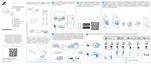
1. Carefully remove the ear adapter from the earbud. To do this, you
can, for example, slide your fingernail between the rubber and the
housing ring and separate these two parts.
2. Carefully insert the earbud into the ear adapter that works best
for you. Make sure that the ear adapter fits snugly on the earbud
and clicks into place and that there is no gap between the earbud
and the ear adapter.
3. Repeat for the other side.
The size of the ear adapter may be different for the left and
right ear.
Make sure that the left ear adapter is assigned to the left
earbud and the right ear adapter is assigned to the right earbud
(L = left, R = right).




 To Next Page