EasyManua.ls Logo

Sennheiser VMX 100 - Button Functions Explained

Sennheiser VMX 100
21 pages
Print Icon
To Next Page IconTo Next Page
To Previous Page IconTo Previous Page
Loading...
6
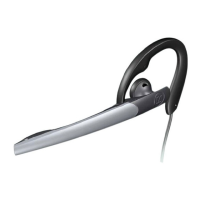
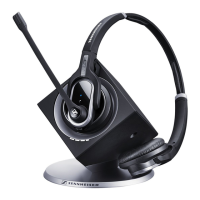
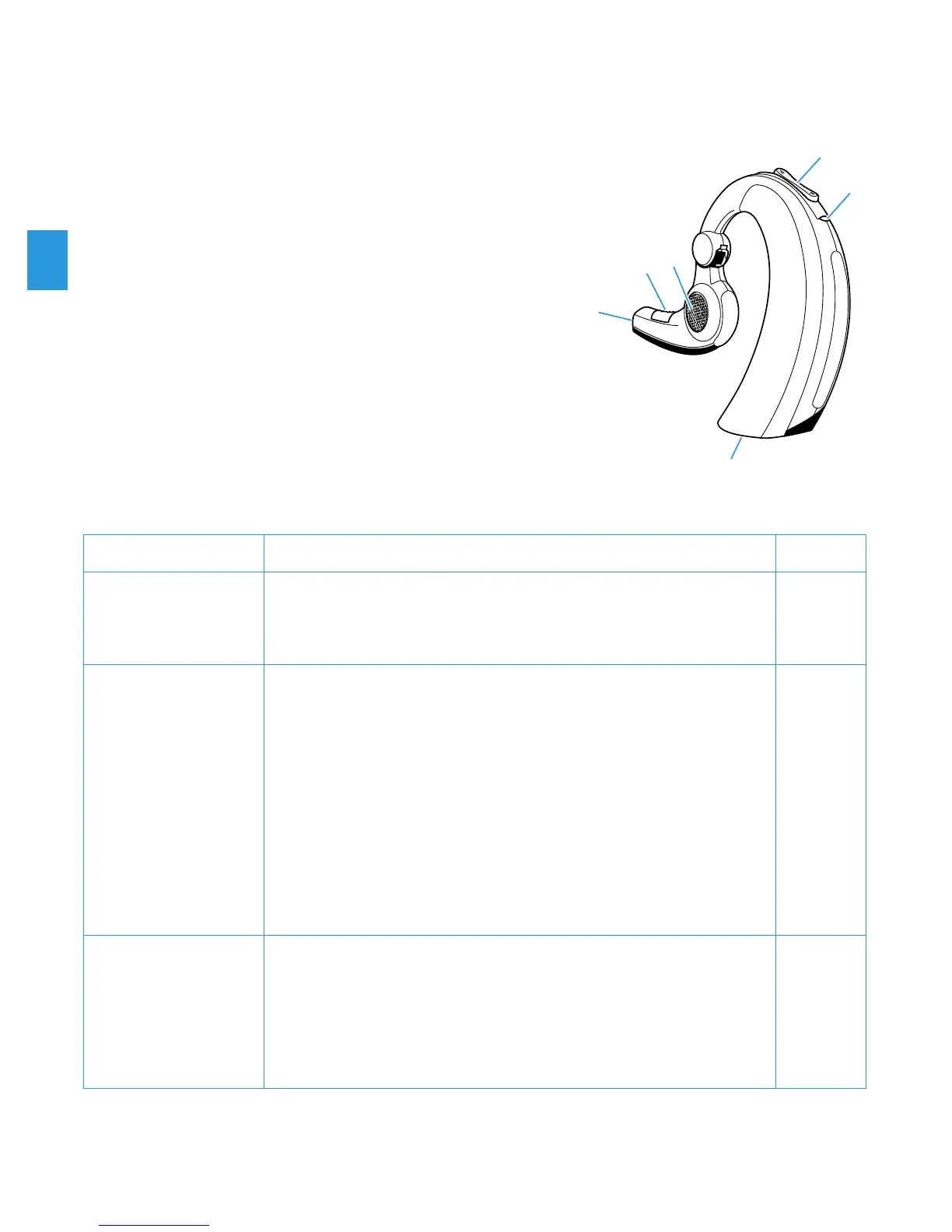
Operating elements
쐃 microphone boom
쐇 hook button
쐋 speaker
쐏 volume buttons
쐄 LED
쐂 socket for power supply
Button overview
Button Function Page
microphone
boom 쐃
• switch the headset on or off
• answer the phone
• end a call
10
13
14
hook
button 쐇
• answer the phone
• reject a call
• end a call
• transfer a call from the mobile phone to
the headset
• activate redialling
• activate voice dialling
• mute the microphone
• un-mute the microphone
13
13
14
14
14
14
16
16
volume
button 쐏
• change the speaker volume
• change the ring tone volume
• un-mute the microphone
• answer the phone
• enter pairing mode
15
15
16
13
11
쐃
쐇
쐋
쐏
쐄
쐂
VMX 100_PRT.pdf 10 03.05.2007 15:02:11