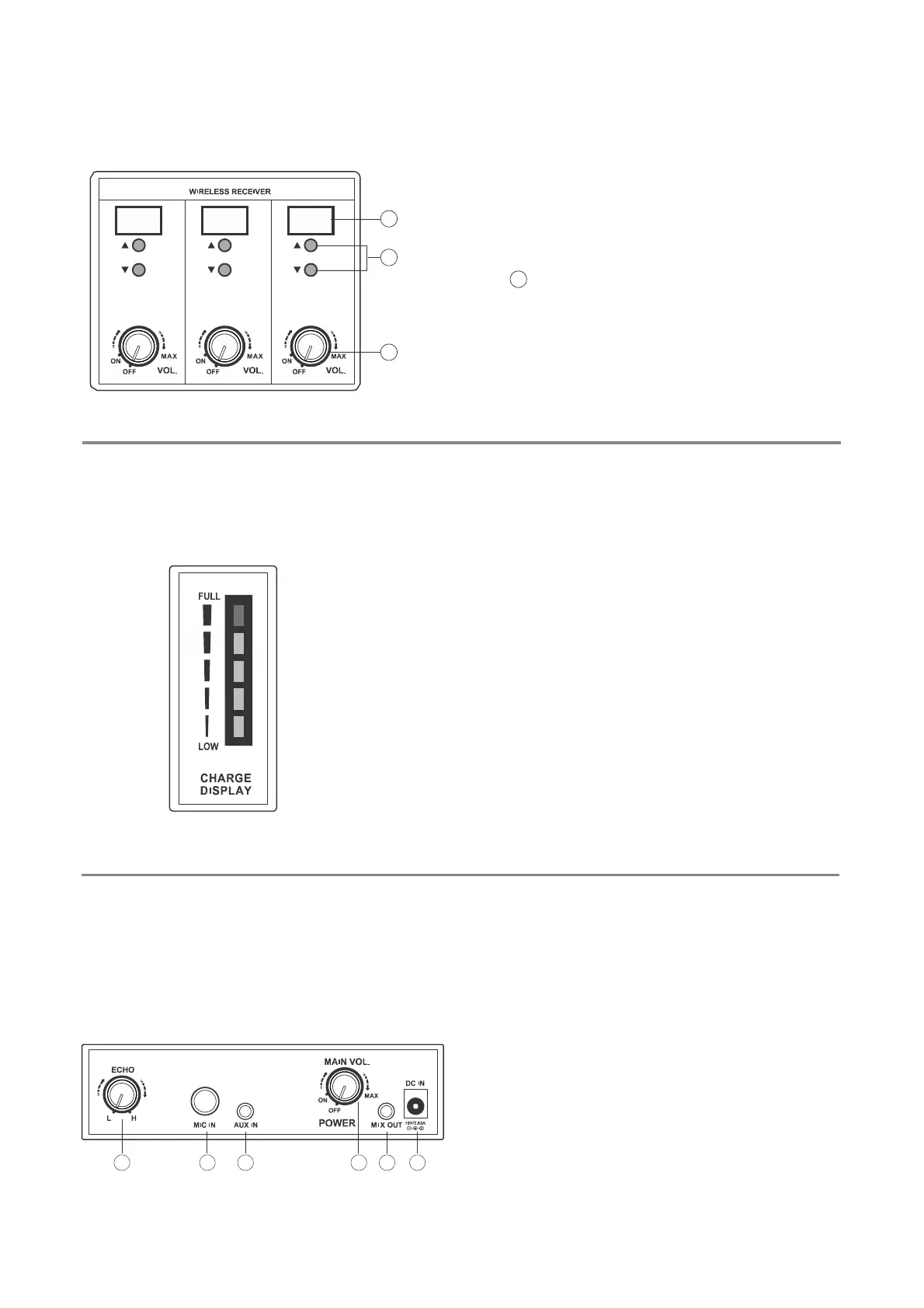
C. Wireless receiver module
2
1. Wireless receiver module of switches and wireless
microphone of volume controls.
2. Switch
1
on, LCD will display the set up channel.
3. Select 0~F channel (16) by up and down button
which will display on LCD.
3
1
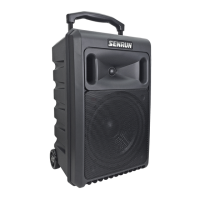
D. The Electricity battery display.
Full it means the capacity of power of the units status, it will
slightly decrease from the time being of using it and the
indicator will guide you when to recharge it. When it is
presented as “Low” it means the status of power is low or
when unit automatic turn off. Please recharge the unit as
soon as possible, otherwise battery might defect.
E. Master control panel
1. Power ON-OFF switch and main volume control.
2. Echo volume contro-Turn it clockwise to Echo’s
volume up and anticlockwise to reduce volume.
3. Wired microphone jack (6.3Ø).
4. Audio input jack (3.5Ø).
5. Mixer output jack (3.5Ø).
6. The DC rectifier input jack.
2
3 4
1 5 6
7


 To Next Page