Millions Depend on the Integrity of Your Product.
Sensitech’s Mission is to Ensure that Integrity.
TagAlert
®
Indicator
Instructions For Use
The Tools That Turn Information Into Power
For more information, contact our client services
group at 800-843-8367.
Sensitech Inc. • 800 Cummings Center, Suite 258X • Beverly, MA 01915
1-800-843-8367 • +1-978-927-7033 • Fax 978-921-2112 • www.sensitech.com
TempTale Manager
®
Desktop Software
TempTale
®
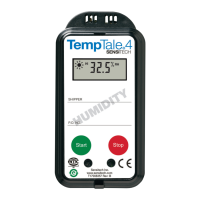
4 Monitor
© 2014 Sensitech, Inc. All Rights Reserved.
T83000034 Rev. H 07/09/14
RF Monitoring
TagAlert
®
Indicator
Data Management Services
TempTale
®
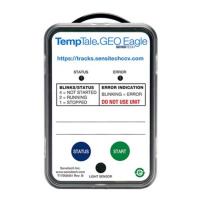
4 USB Monitor

 Need help?
 General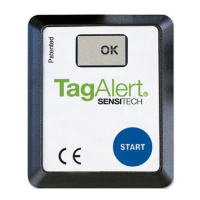

 To Next Page