- 8 -
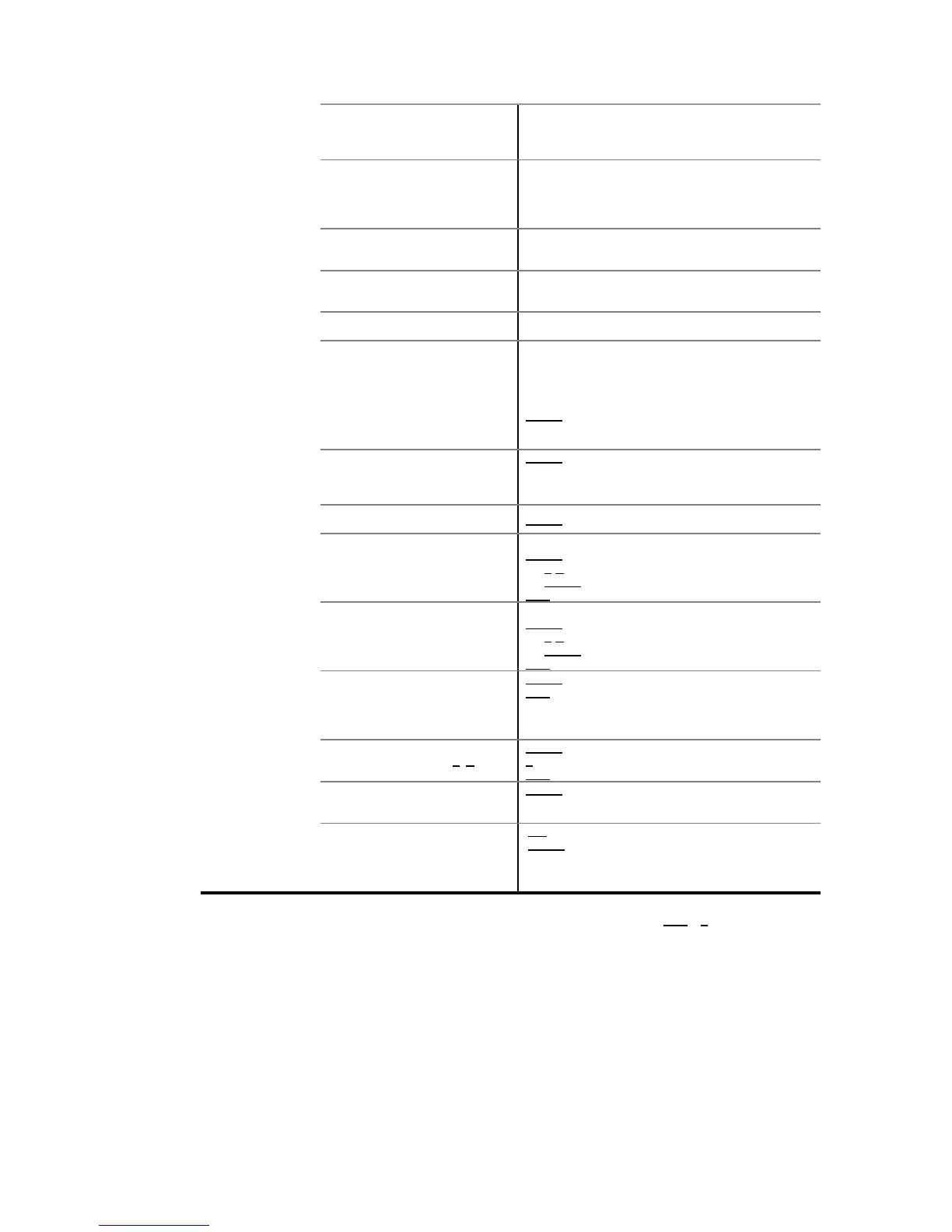
At high speed, it will be made an elevated number of
weight samples with which the weight is calculated and
the average is displayed at the end of the process.
(6 digits).
Inferior limit of weight:
-Weight values below this value are rejected.
With AUTOMA=YES, waiting time T.INI is initiated
when the weight exceeds this value.
(6 digits).
Superior limit of weight:
- Weight values above this value are rejected.
(0.. 25,5 seconds).
With AUTOMA=YES. Waiting time before initiating the
process of sample weight.
(0.. 25,5 seconds).
Waiting time of the process of sample weight
Yes/No:
Yes -> Weight sample is automatically initiated once
INIT.T. time is passed after the weight value defined in
LOW.BOW is exceeded.
No -> The equipment waits for the pressing of
INTRO key to initiate the process of weight sample. (It
does not wait for INIT.T. even though the LOW.BOW is
exceeded).
Battery status indicator.
(Only in units with battery)
to see the battery status.
If there is no battery: NOBAT
If there is a battery: -OK-
If there is low battery: -BATB-
Shows/Sets the clock and
calendar.
INTRO to access submenu.
Displays the current time. (HH: MM: SS)
INTRO to edit:
T/B to modify (6 decimal digits).
INTRO to save.
FUN to leave.
Displays the current date. (DD. MM. YY)
INTRO to edit:
T/B to modify (6 decimal digits).
INTRO to save.
FUN to leave.
Display points and weight of each
load cell.
(Only in equipments with
communication cartridge for digital
load cells)
to access submenu.
FUN to exit submenu
T/B to increase/decrease the number of load cell.
INTRO to select load cell.
(load cell selection with T /B)
to commute between points and weight.
T to select next load cell.
FUN to exit and come back to load cell selection menu.
Consult and print data saved in
DSD memory.
(Only in equipments with DSD)
to enter the Ticket / Delivery Note selection
menu.
Selection of ticket to consult
(by default, it displays the number
of the last ticket made)
to edit number of ticket (6 decimal digits).
INTRO to select and initiate the visualization of
number of weighings and the total accumulated weight
from the selected ticket, or display EMPTY if there is
no data.
(*) This option DOES NOT appear if there is an open ticket. (Close ticket by pressing FUN + T in Weight mode)
(**) This option DOES NOT appear if any communication PORT of the equipment no has not been configured to connect
to the labelling machine. (See option -COM- from Programming menu).
(***) This option DOES NOT appear if the equipment has DSD. (With DSD option the equipment does not allow manual
modification of the number of Ticket / Delivery Note)


 To Next Page