- 7 -
2 FUNCTIONS MENU
To enter: FUN+B
(The optional ones are shaded)
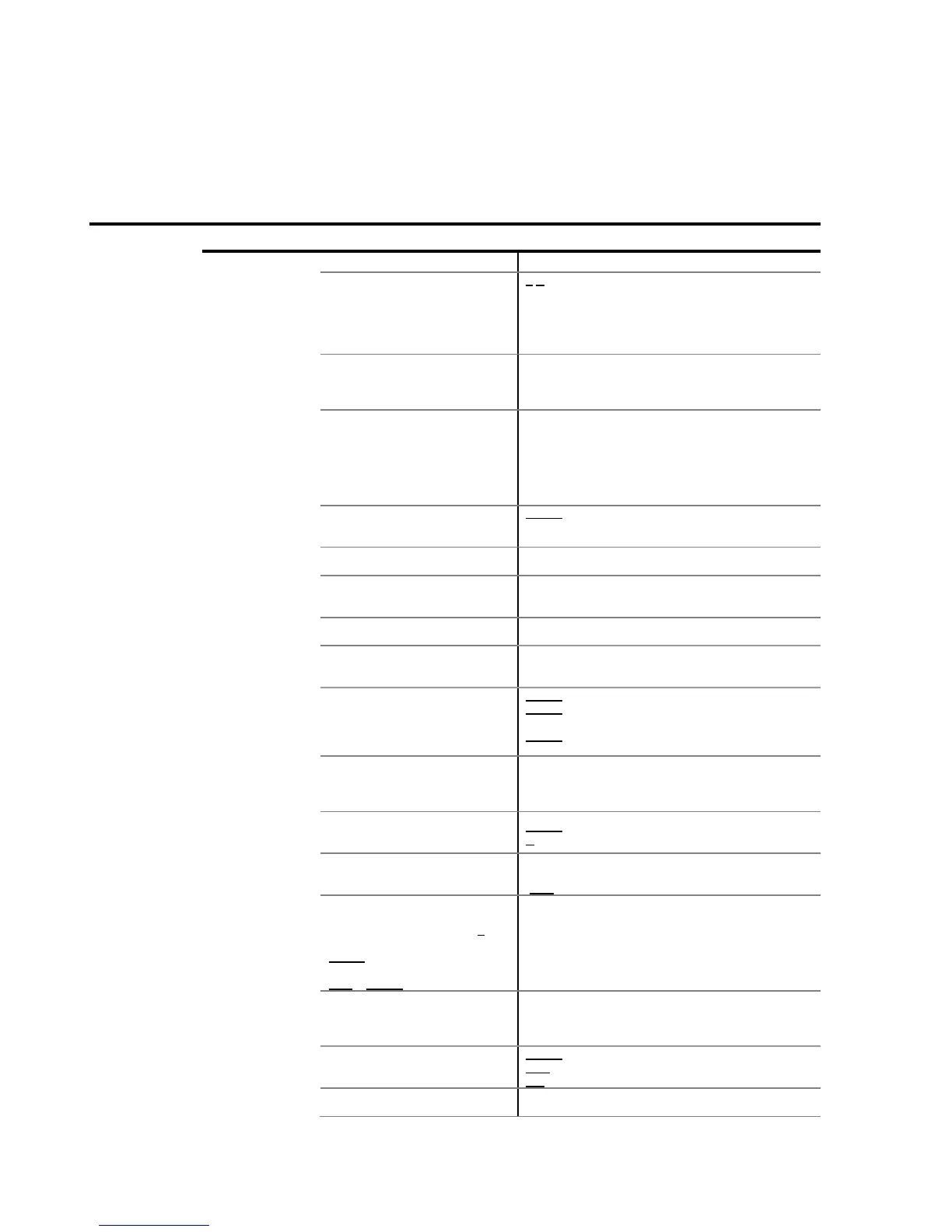
Option Description Actions
Code of weighing in progress.
(6 alphanumeric characters).
to modify (0. .255 different labels).
The 255 label is the total label.
(It appears only when a labelling machine has been
selected in the programming menu).
NOTE: See Programming Manual for more
information.
Delivery ticket/note number. (6 decimal digits).
If 0, it will not appear in the ticket. Otherwise it will
increase automatically.
(It does not appear in the equipments with DSD option)
Repeat ticket (0. .15 automatic tickets).
Up to 255 weighings.
Each time a ticket is closed, proceed in accordance
with the values:
-0: Normal operation (it does not repeat ticket).
-1: You will be asked whether to repeat the ticket.
-2. .15: There will be as many tickets as the value.
Shows the accumulated weight
subtotal so far.
to show the total accumulated weights and the
total weight.
This will return to weighing state in a few seconds.
Auto-accumulation when stability
is reached.
Yes/No
Auto Tare when stability is
reached after passing through
zero.
Yes/No
Number of accumulations before
automatic totalling.
(0. .255 accumulations).
Single weighing mode selection.
Yes/No
There will be a complete ticket for each weighing (and
also when totalising weighing).
Grand Total.
Shows the accumulated weight
total since the last time its value
was reset.
to show the accumulated grand total.
INTRO during scroll: Prints and deletes the
accumulated grand total.
INTRO kept pressed during the scroll: Prints and erase
the total accumulated.
It displays the maximum weight.
When pushing
[INTRO]
the
memorized weight is erased and
recalculates a new maximum.
Yes/No
High resolution.
Shows the weight with another
precision digit (Weight x 10)
INTRO for high resolution weighing.
B makes a ZERO in the equipment.
Advanced piece counter.
Selects Piece counter mode
Yes/No
When activated:
-FUN during scroll: Change pieces/weight.
Accumulation in download.
Process (once in weight mode):
1- With full container press T.
2- Empty container and press
INTRO.
(repeat process until finishing with
FUN + INTRO)
Yes/No
Select ticket printing type GROSS-
TARE-NET.
(There will be a tare automatically
after each accumulation)
Yes/No
Dynamic weighing for animals
to access submenu.
FUN to exit submenu.
T/B to navigate submenu.
Yes/No
Activate before editing the following values.


 To Next Page