7
If you purchased a tablet with your service tool kit, it should be ready
to use, however a charging cable is provided should it need
charged up. You will need to download the Sensoteq Chi app from
the Google Play store. See page 11 for assistance.
The Sensoteq Chi application handles the Bluetooth communication
settings when required so you should not need to turn this on or off
manually. Ensure that location services are not turned off or blocked.
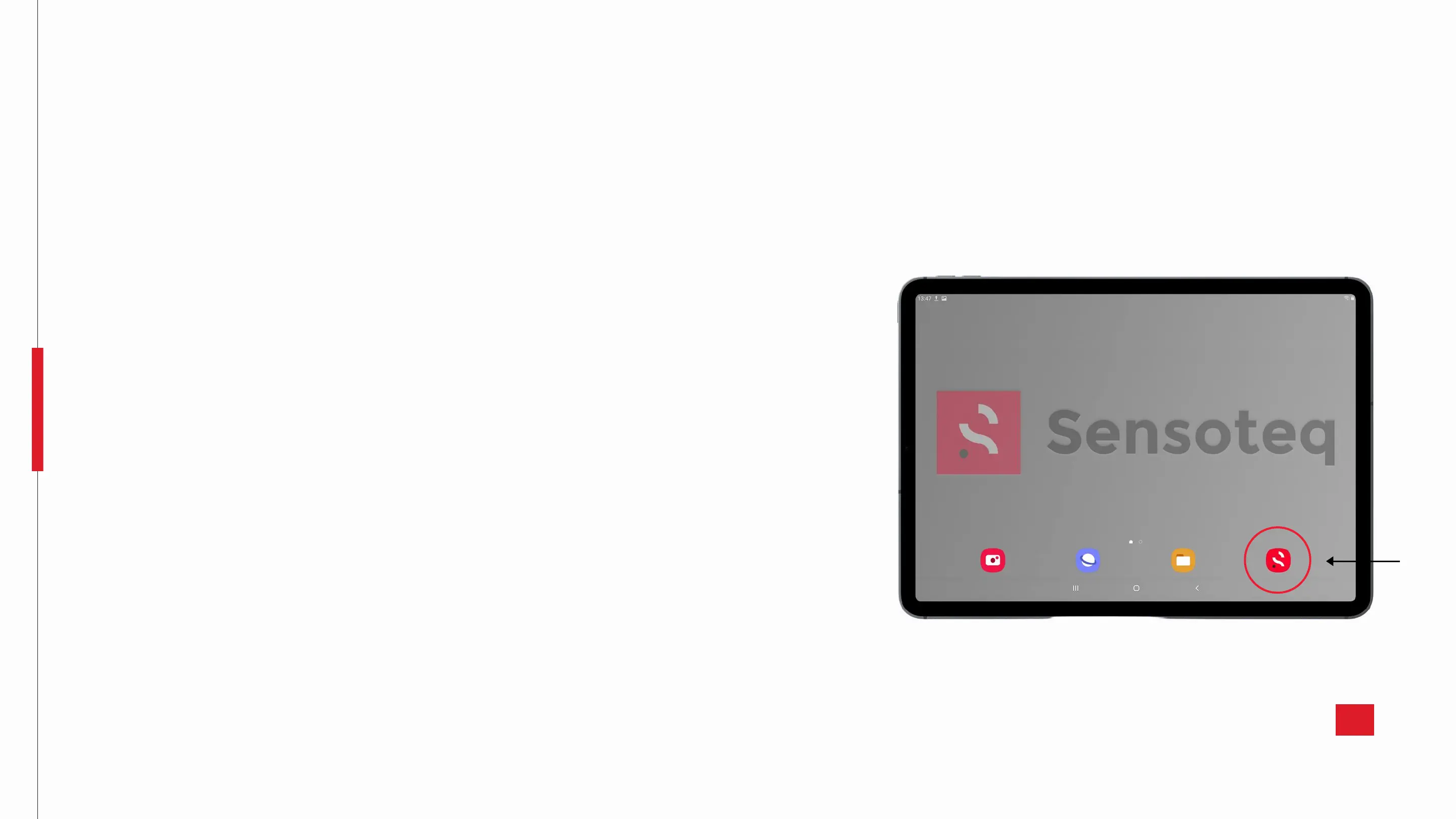
Following download, the Sensoteq application should be visible as
shown, so just tap it to open it. You will be welcomed with our app
home-screen giving you an option to log in to your Sensoteq
account or to make a Quick Measurement.
After selecting a mode and measurement, you will have the option
to choose which sensor you wish to monitor. The name displayed on
the app will correlate to that of the sticker on your sensor. Select
which sensor you require data from to view and if logged in, save.
Samsung Galaxy Tab A Tablet


 To Next Page