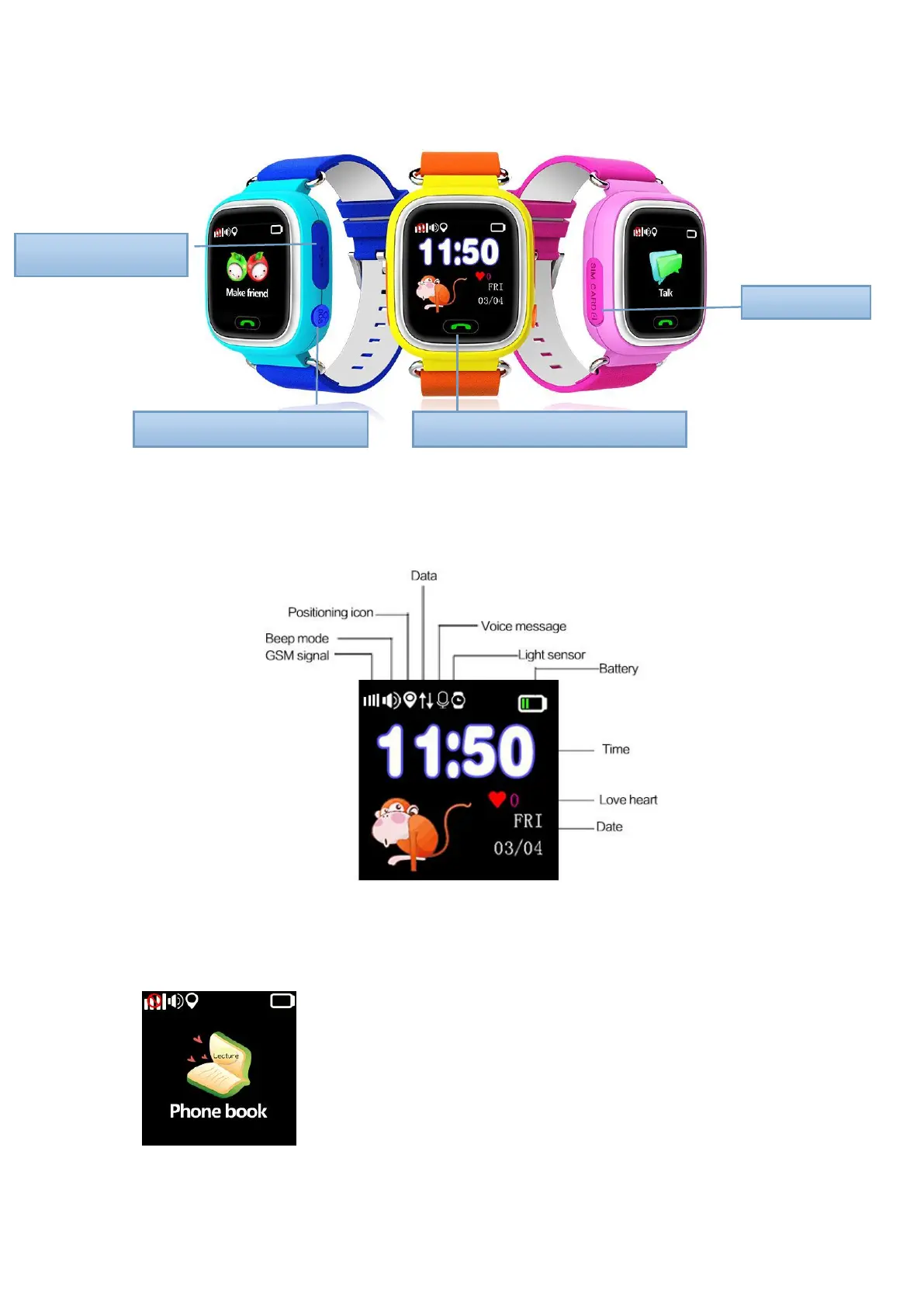
Slide to switch screen display
3.1. Main interface: small icons on first line: GSM signal, Beep mode, Positioning icon ,
Data, Voice message (not show up), Light sensor, Battery; second line: Time and date.
3.2. Phone book: click to check contacts, it’s available to set 15 numbers in APP, click
any number to dial.
Phone Button/Answer the phone



 To Next Page