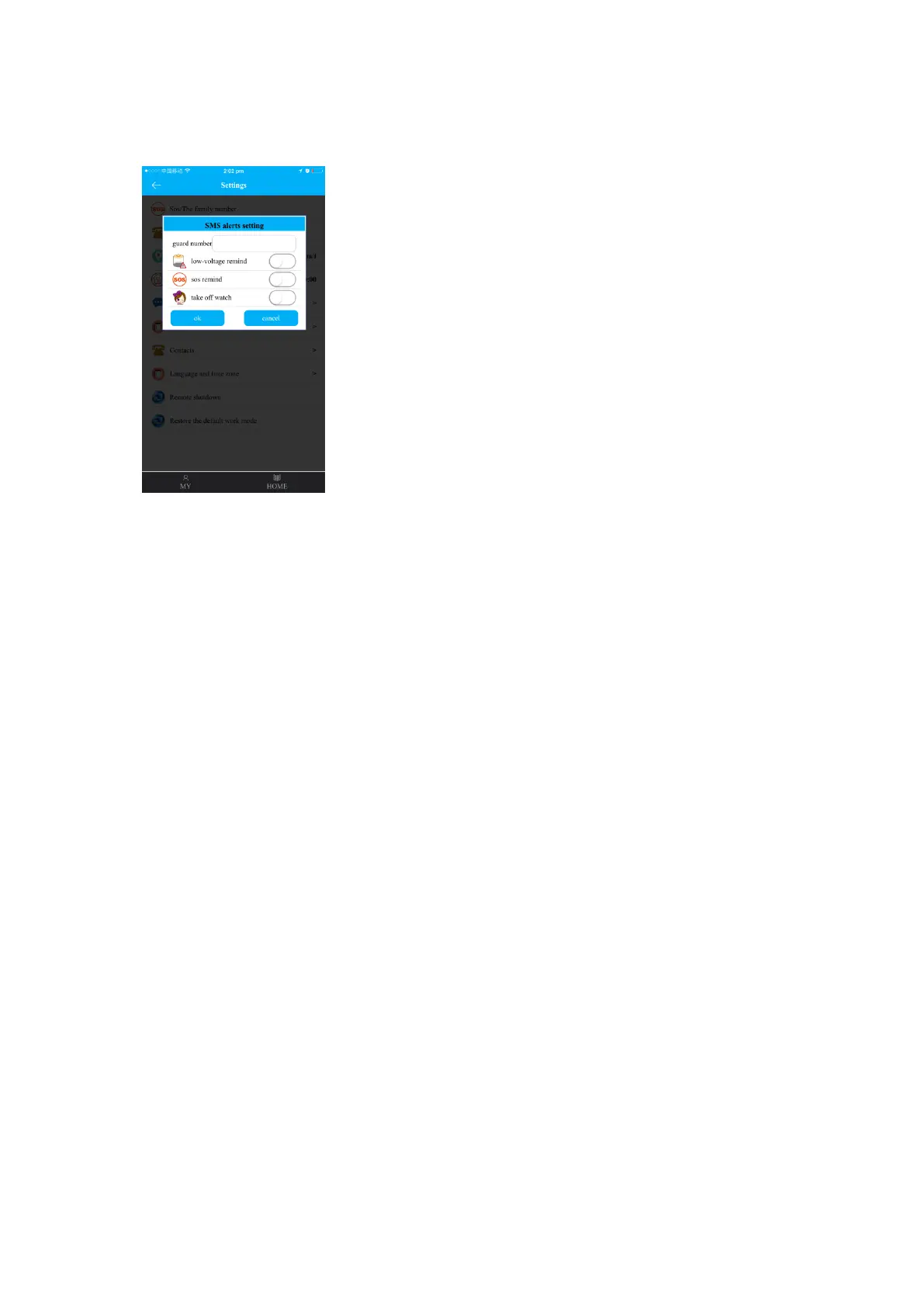
If switched on, the monitor phone (default: off) will receive message when the watch is
taken off.
(6)Touch your friends
The watch will shows the friend’s ID when you successfully made friend with each other,
watch can only make one friend unless deleting friend to make a new one
Change friend: delete friend on APP then make friend with other kids.
(7)Telephone
Preset up to 15 phone numbers with names, which will be displayed in the watch’s phone
book. Two-way phone call between the watch and the preset phone numbers is allowed.
(8)Language and time zone
Set language and time zone based on the watch user’s location. Time and date on watch
display will update automatically.
(9)Push switch
Enable or disable the switch of “take off the watch” to get alert message or not.
(10)Contextual model
2 contextual models optional: “Ring-down” and “Silence”.
(11)Remote shutdown
Shut down the watch remotely with the sim installed in watch.
(12)Restore the default work mode
Under default work mode, GPS is opened 24 hours with 10 minutes upload interval.
4.2.6. Geo-fence:
Preset the safe area by selecting the centre point and the radius (Minimum 500meters).
Alert messages will be sent to APP message center when watch user goes out of the
fence.
4.2.7. Rewards:
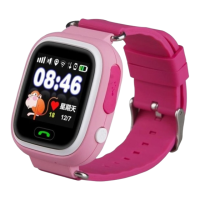
Set the number of love heart to send to watch to interact with and reward kids. The watch
will display the reward.


 To Next Page
 Loading...