(3)Work mode
Three basic work modes with different upload interval can be chosen.
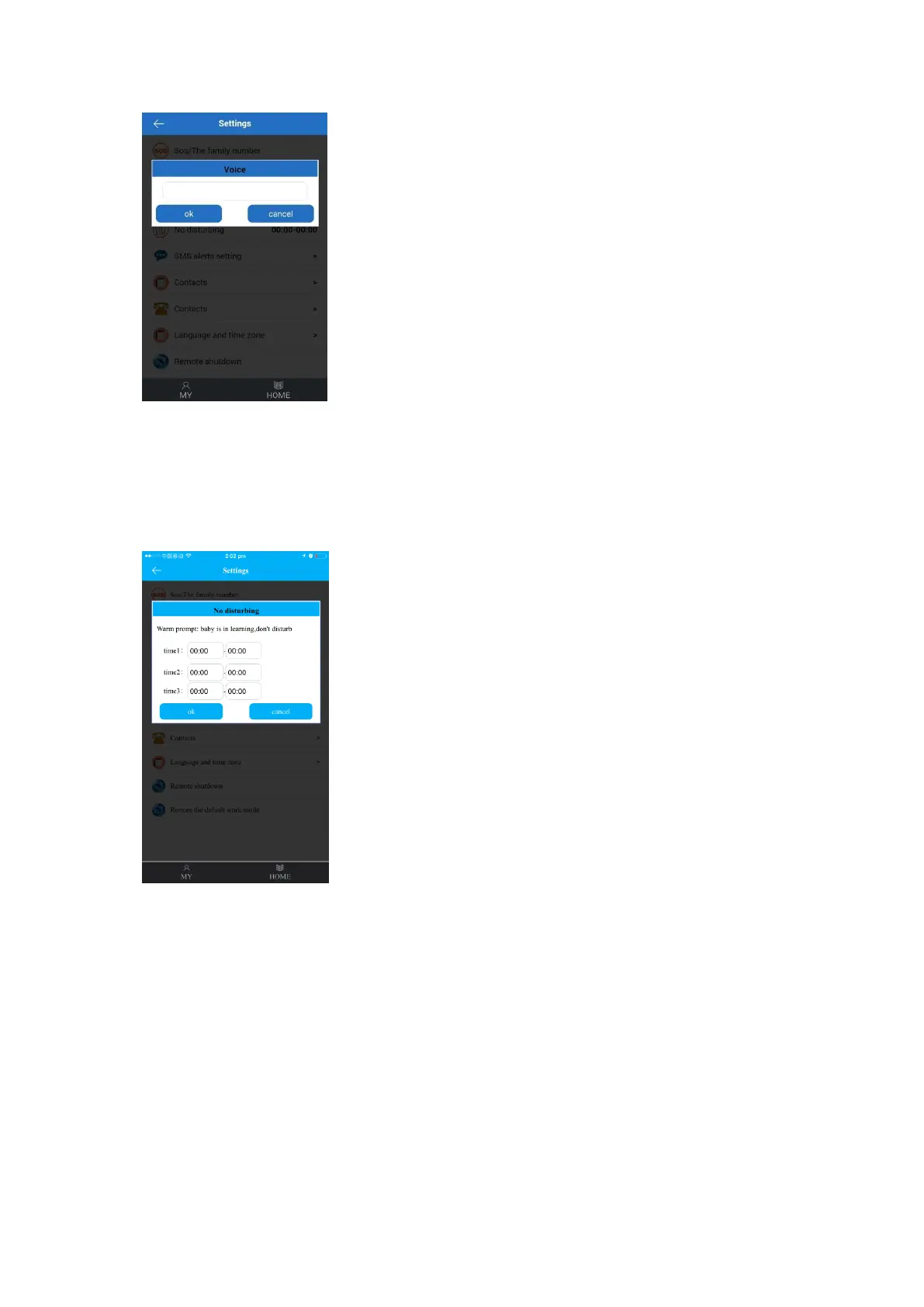
(4)Do not disturb
All incoming calls will be shielded during No disturbing time.
(5)SMS alerts setting
Set to send SMS message to cell phone under the following situations:
a) watch battery is low (low-voltage)
If switched on, when the remaining battery of watch (shown in percentage) reaches below
20%, the watch will send alert message to monitor number (default “off”).
b) watch user uses SOS function (SOS remind)
If switched on, the watch will send alert message to monitor number (default “off”) if the
SOS call was not answered.
Please refer to the SOS function.
c) watch user take off watch (take off watch)


 To Next Page