Page 6 of 20 Doc. 6001036 Rev B
4 - THE MAIN PROGRAMMING MENU
Once you have entered the programming mode, you will need to enter a 2-digit code to tell the system
which programming area you wish to access. If you do not remember all of the codes, and you are
programming the Horizon system through a terminal/modem, you may access the main menu by entering "88"
and the "ENTER" button when the "menu prompt" is shown (as described on page 4). For your reference, the
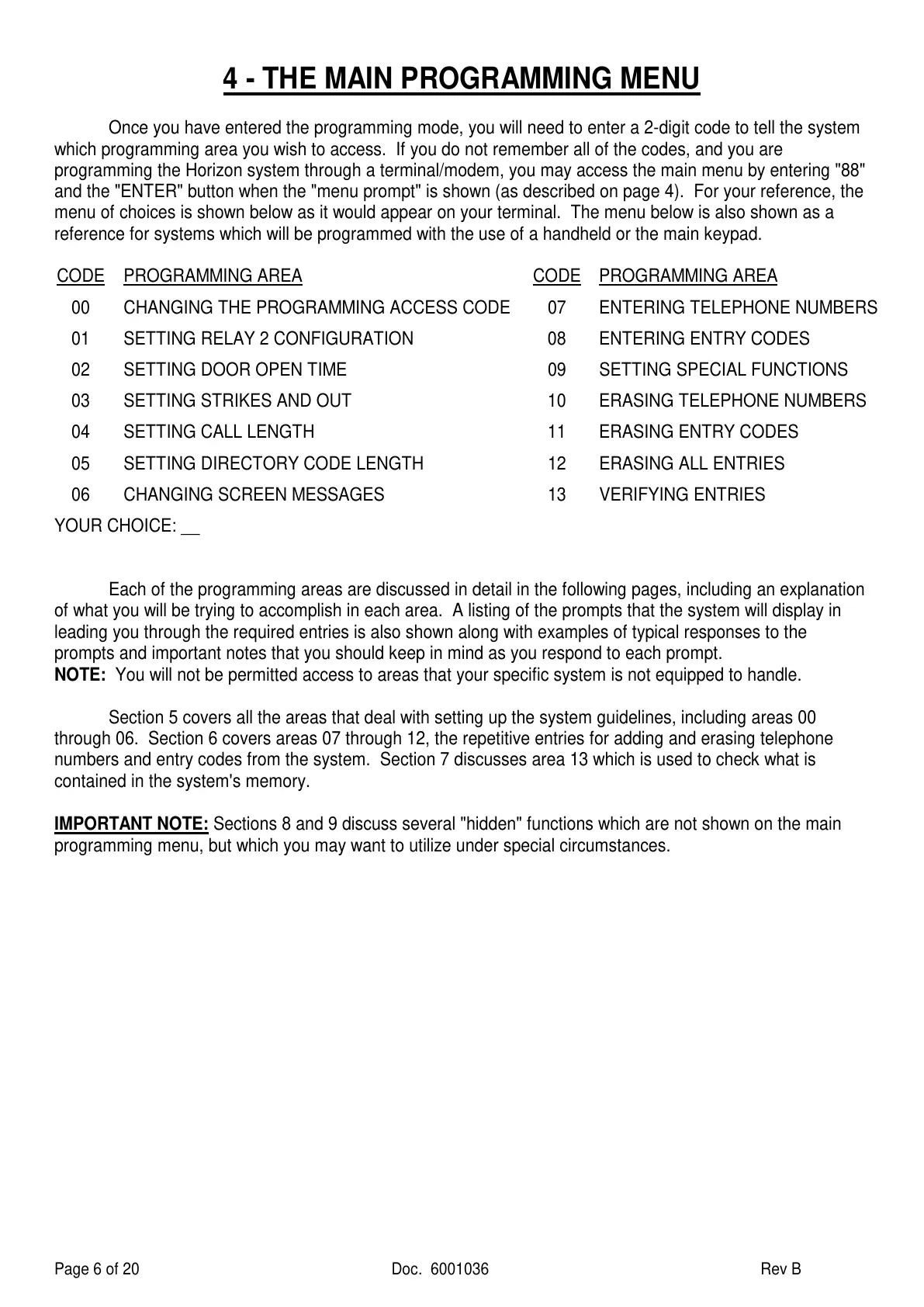
menu of choices is shown below as it would appear on your terminal. The menu below is also shown as a
reference for systems which will be programmed with the use of a handheld or the main keypad.
CODE
PROGRAMMING AREA CODE PROGRAMMING AREA
00 CHANGING THE PROGRAMMING ACCESS CODE 07 ENTERING TELEPHONE NUMBERS
01 SETTING RELAY 2 CONFIGURATION 08 ENTERING ENTRY CODES
02 SETTING DOOR OPEN TIME 09 SETTING SPECIAL FUNCTIONS
03 SETTING STRIKES AND OUT 10 ERASING TELEPHONE NUMBERS
04 SETTING CALL LENGTH 11 ERASING ENTRY CODES
05 SETTING DIRECTORY CODE LENGTH 12 ERASING ALL ENTRIES
06 CHANGING SCREEN MESSAGES 13 VERIFYING ENTRIES
YOUR CHOICE: __
Each of the programming areas are discussed in detail in the following pages, including an explanation
of what you will be trying to accomplish in each area. A listing of the prompts that the system will display in
leading you through the required entries is also shown along with examples of typical responses to the
prompts and important notes that you should keep in mind as you respond to each prompt.
NOTE: You will not be permitted access to areas that your specific system is not equipped to handle.
Section 5 covers all the areas that deal with setting up the system guidelines, including areas 00
through 06. Section 6 covers areas 07 through 12, the repetitive entries for adding and erasing telephone
numbers and entry codes from the system. Section 7 discusses area 13 which is used to check what is
contained in the system's memory.
IMPORTANT NOTE: Sections 8 and 9 discuss several "hidden" functions which are not shown on the main
programming menu, but which you may want to utilize under special circumstances.


 To Next Page
 Loading...