Need help?
Do you have a question about the Sentry HO800 and is the answer not in the manual?
Details operational frequency, power supply, transmit distance, and input audio signal.
Details operational frequency, load, and signal/noise ratio.
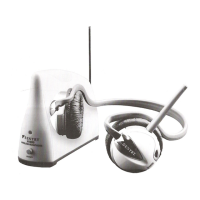
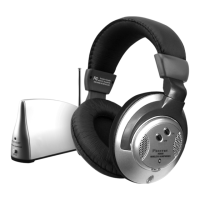
Lists the components provided with the wireless headphone system.
Identifies and explains the functions of the transmitter's buttons and jacks.
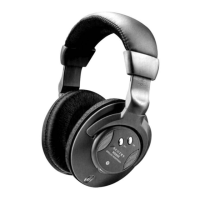
Identifies and explains the functions of the headset's buttons and dial.
Provides instructions for installing batteries in the transmitter and headset.
Details how to connect and use an external power adapter for the transmitter.
Guides users on connecting the system and turning it on for initial use.
Illustrates how to connect the transmitter to a cable or satellite box.
Illustrates how to connect the transmitter to an MP3 player.
Illustrates how to connect the transmitter to a television set.
Illustrates how to connect the transmitter to a stereo system.
Illustrates how to connect the transmitter to a computer or laptop.
 General
| Type | Over-Ear |
|---|---|
| Connectivity | Wired |
| Driver Size | 40mm |
| Frequency Response | 20Hz - 20kHz |
| Cable Length | 1.2m |
| Connector | 3.5mm |
| Impedance | 32 ohms |

 To Next Page