DO NOT USE CHAIR UNTIL YOU HAVE FULLY READ THE INSTRUCTIONS
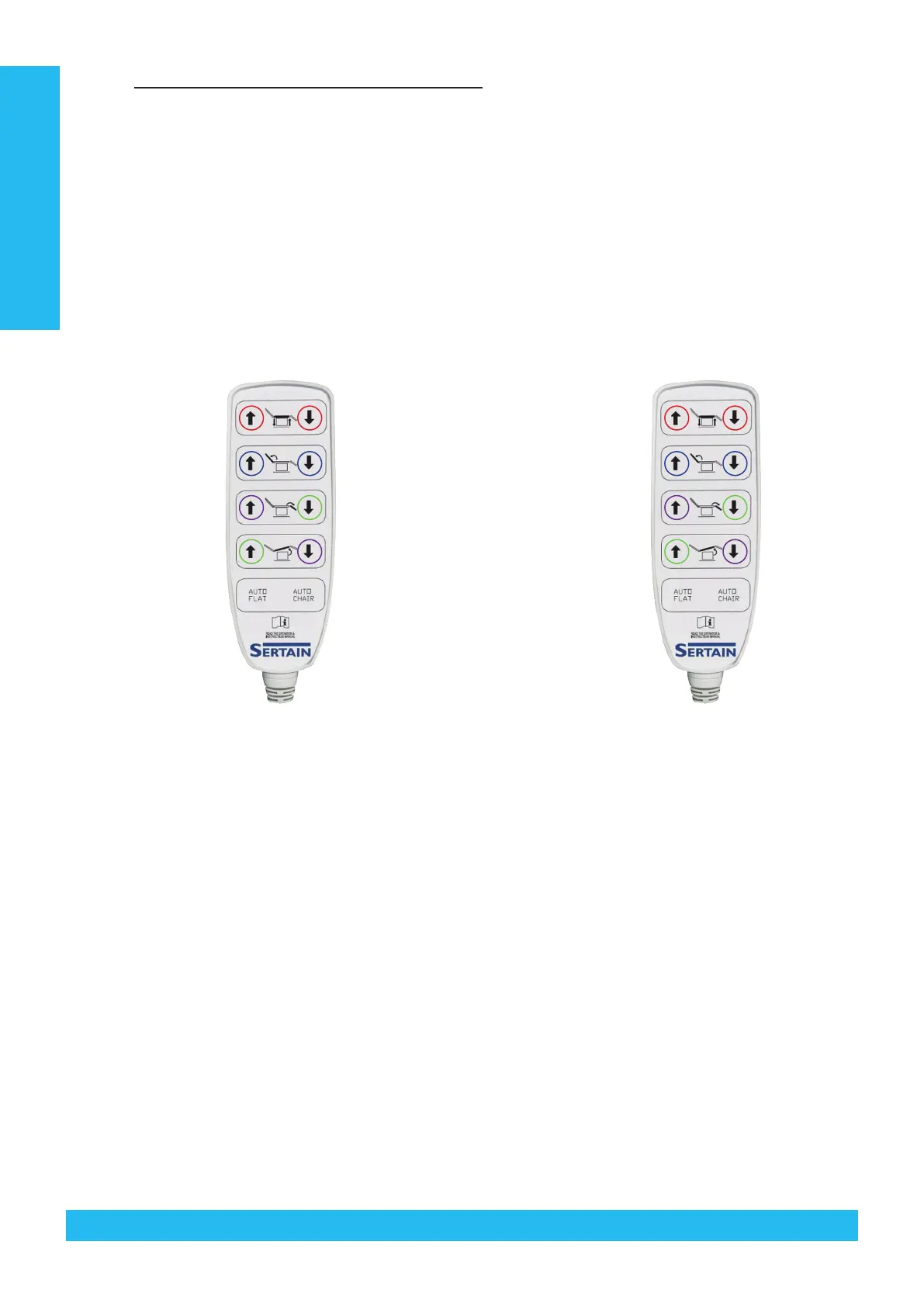
5.9 HANDSET FUNCTIONS / CHANNEL DIAGRAM
5.9.1 Blue rings indicate buttons to press and hold simultaneously for Reset procedure
5.9.2 Red rings indicate buttons to press and hold simultaneously for Initialisation procedure (Phase 3 & 4 software
only)
5.9.3 Green rings indicate buttons to press and hold simultaneously for RESET MAXIMUM Height (refer to Section
5.8.2)
5.9.4 Purple rings indicate buttons to press and hold simultaneously for STORE/SET MAXIMUM HEIGHT (refer to
Section 5.8.1)
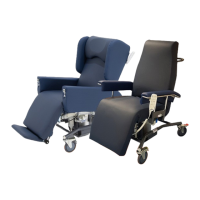
SE4400 Standard Size SE4400 Large Size
HI-LO
Back Rest
Leg Rest
Seat
CH 1 OUT
CH 2 OUT
CH 3 OUT
CH 4 OUT
Bed Position Bed PositionChair Position Chair Position
CH 1 & CH 2 OUT
CH 3 OUT
CH 4 OUT
CH 5 OUT
CH 1 IN
CH 2 IN
CH 3 IN
CH 4 IN
CH 1 & CH 2 IN
CH 3 IN
CH 4 IN
CH 5 IN
HI-LO
Back Rest
Leg Rest
Seat
Technical Data
20 © 2019Careleda M-03 WI-204rev 6 Edited 29.10.2019


 To Next Page
 Loading...