21 22
T: 0800 0124 382 T: 0800 0124 382
USAGE
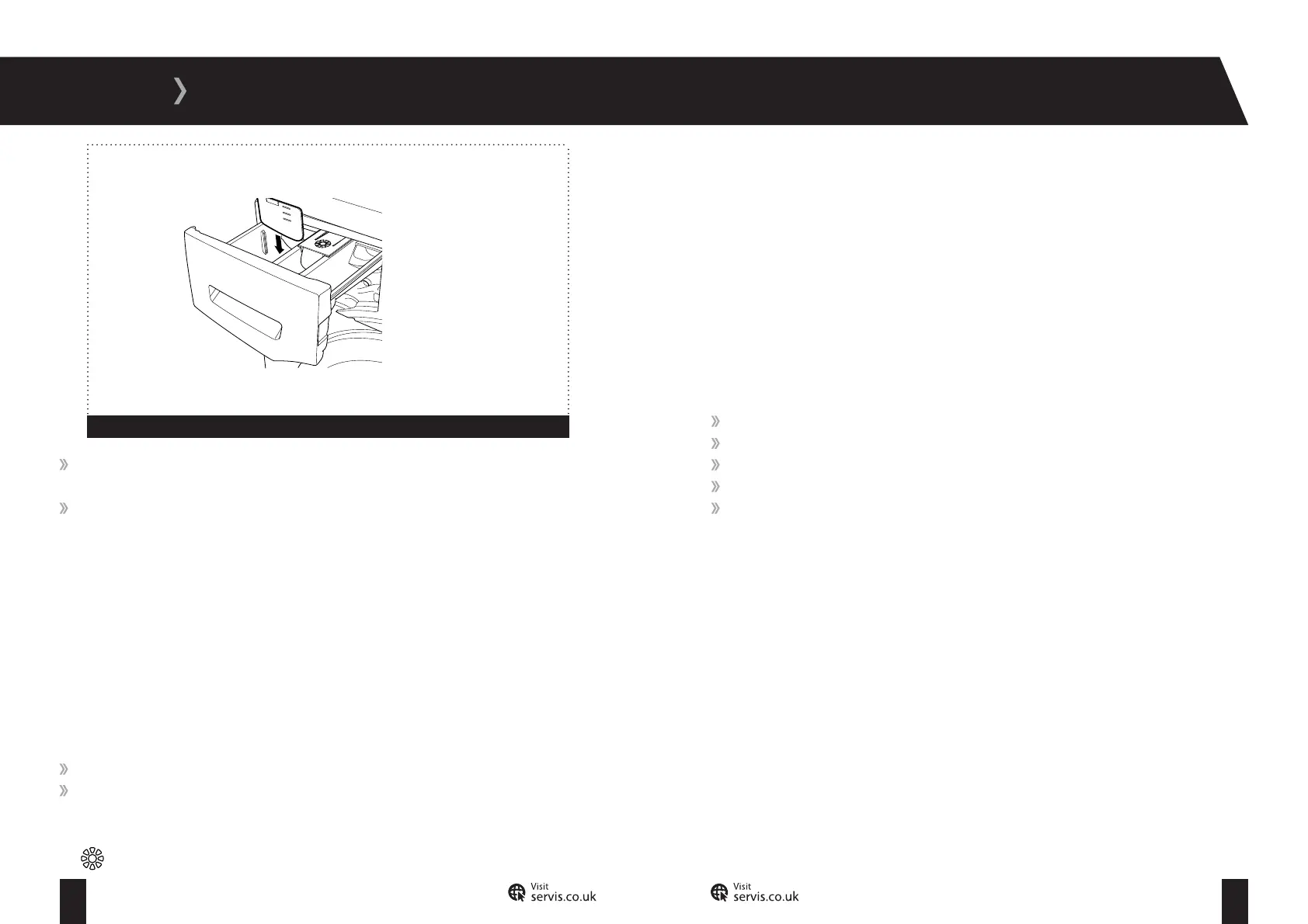
If your clothes are only slightly soiled, do not prewash and put a small amount of detergent,
as specified by the manufacturer, into compartment II of the detergent drawer.
If your clothes are excessively soiled, select a programme with pre-wash and put ¼ of
the detergent to be used into compartment I of the detergent drawer and the rest in
compartment II.
Water Softener:
A water softener can be used to reduce the amount of detergent required in hard water areas.
Follow the guidance on the packaging and dispense as instructed. First add the detergent, then
the water softener.
Fabric Conditioners and Liquid Starch:
Fabric conditioners make garments soft to handle.
Starch stiffens and gives body to items such as bed linen.
To add fabric conditioner or liquid starch, pour the amount as instructed on the packaging into
the
compartment of the detergent drawer, taking care not to exceed the MAX level.
Selecting a Programme:
To select the desired programme, turn the programme dial either clockwise or anti-clockwise
until the marker on the dial points to the chosen programme.
To cancel a programme, refer to the information on page 32.
Electronic Display:
Your Washing Machine has an electronic display, which will show you:
The number of hours until a programme starts.
The amount of time left before a programme ends.
Confirmation that a programme has ended.
The temperature setting.
Details of any errors.
Mode Button:
This button allows you to access the temperature and programme start time options.
Select Button:
This button allows you to set the temperature and programme start time.
Figure 11


 To Next Page
 Loading...