INTERNET SETUP:
configuration of the Internet protocols
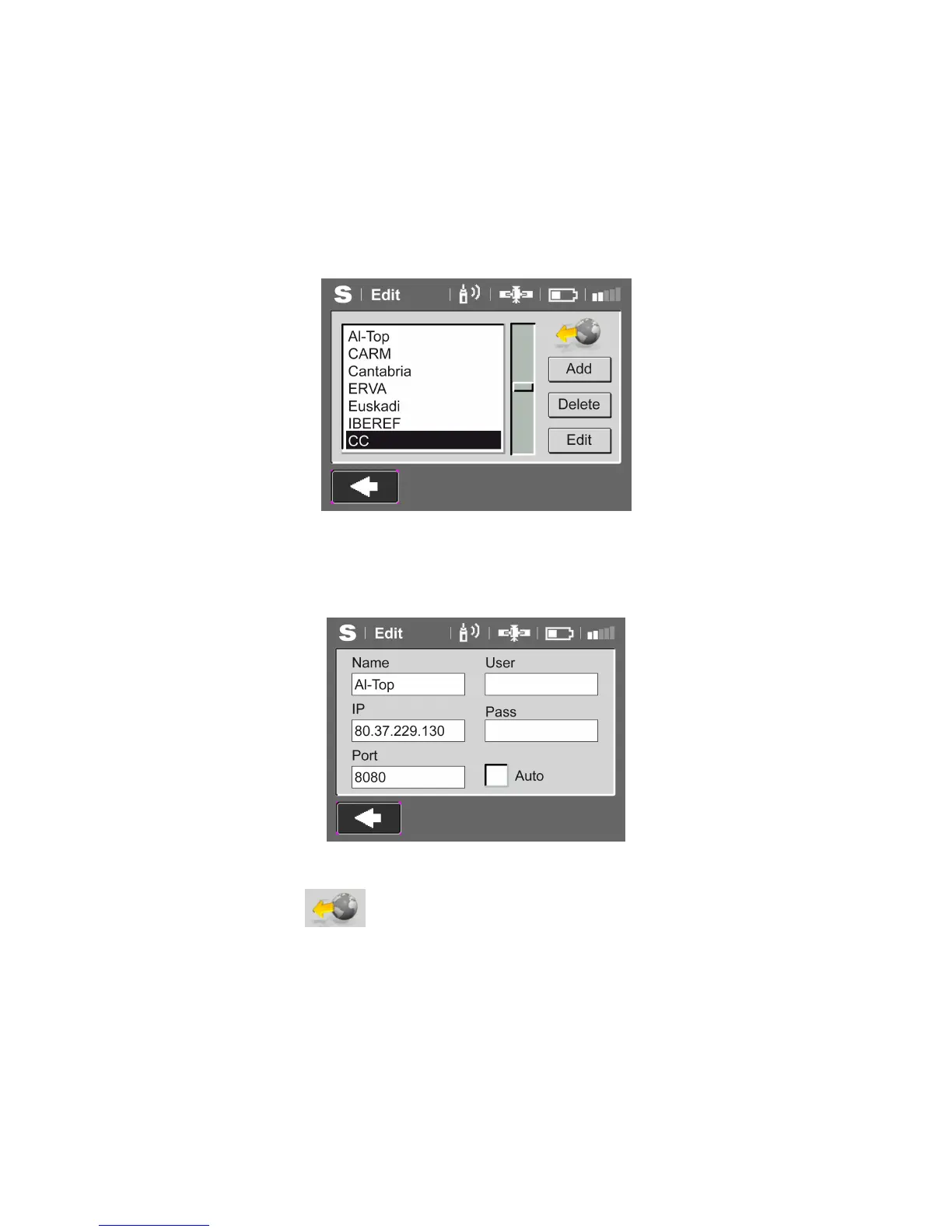
The list of the casters NTRIP appears configured, by defect is possible to introduce 50
definitions. The caster selected, will be the active caster. Pressing Add we can create a new
caster to add to the list .
Pressing Delete, erases the characteristics of the selected caster.
Pressing Edit, appears the parameters to be accepted or modified.
Is possible to edit the IP, port, user name and net password.
With the function Auto activated, allows the auto connection when the Repeater is powered
An
a
will appear indicating that the autoconenection is configured.
Pressing the button will change directly to the Repeater VRS option, to initiate the
connection.



 To Next Page