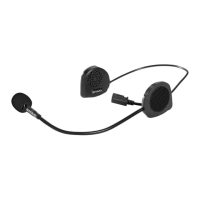
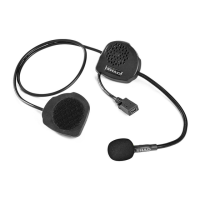
15
SWITCHING ON
SWITCHING OFF
ANSWERING A CALL
ENDING A CALL
REJECTING A CALL
ACTIVATING VOICE DIALLING (DEPENDING ON THE PHONE MODEL)
REDIALLING (LAST NUMBER DIALLED)
CONNECTING/ACTIVATING INTERCOM OPERATION
DISCONNECTING/ENDING INTERCOM OPERATION
INTERCOM VOLUME
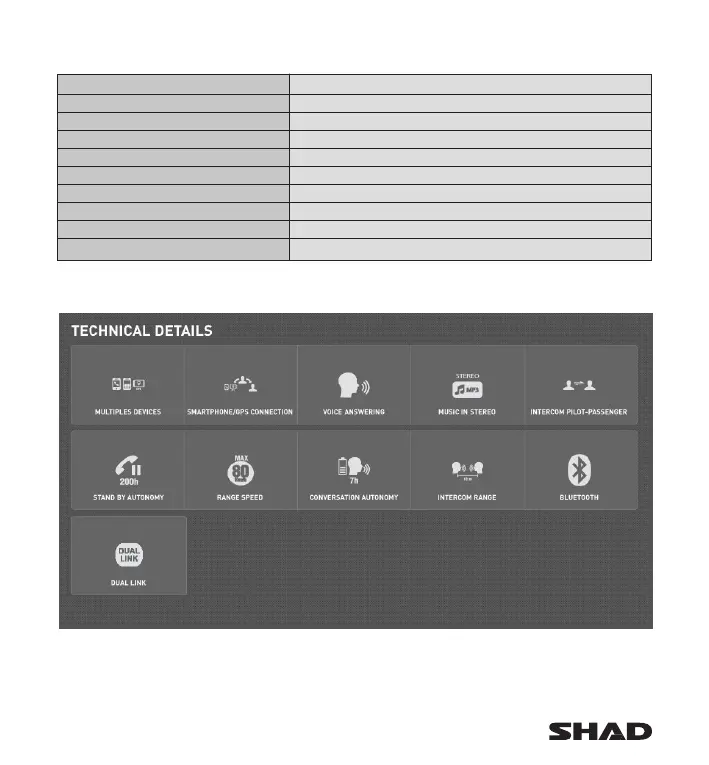
SUMMARY TABLE
Press and hold the control button (1b) until an acoustic signal is heard and the LED indicator begins flashing
in BLUE.
Press and hold the control button (1b) until the LED indicator begins flashing in RED.
Press the control button for 2 seconds until you hear an acoustic signal.
Press the control button for 2 seconds until you hear an acoustic signal.
By pressing the control button (1b) you can change the intercom volume. The volume cycles through three levels
each time you press the button (low < medium < high < low < …)
Say any word out loud or press the control button (1b) only once.
During a call, press the control button (1b) only once.
Press the control button (1b) twice.
Press the control button once, say the same of the person you wish to call after you hear acoustic signal.
Press the control button (1b) twice.
NOTE: to save battery, the device switches off automatically after four minutes if not connected to any Bluetooth
®
device.
This option is available with BC03
Guaranteed connexion up to 80km/h
Assured comunication up to
10m distance


 To Next Page