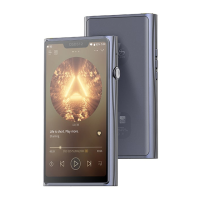
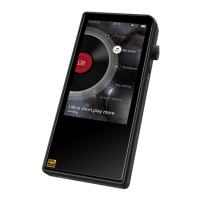
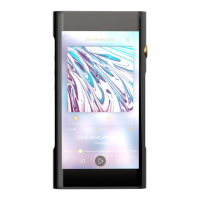
Power ON / OFF / Screen Locking
Operation Instructions
1. Power on: press and hold power button for 2 seconds, status indicator
lights up and device turns on.
2. Power off: press and hold the power button for 2 seconds. The display
shows the "Power Off" and "Restart" selection windows. Click on
"Power Off" to shut down the device.
3. Screen lock: while the device is powered on, short press power button
to lock screen and turn off display. Press power button again to
unlock device.
Previous / Next / Play & Pause
Navigation mode (Settings - General - Navigation mode)
: Return to the previous.
: Back to the main screen.
: Multitasking.
1. Gesture mode
Return to the previous: slide to the right from the left edge of the
screen or slide to the left from the right edge of the screen.
Back to the main screen: slide up from the bottom of the screen.
Multitasking: slide up from the bottom of the screen and keep your
finger touching screen.
2. Floating box mode
Return to the previous: click the floating ball on the screen.
Back to the desktop: press and hold the floating ball on the screen.
Multitasking: double click on the floating ball on the screen.
3. Virtual buttons mode
1. Previous : Short press to jump to previous song or to beginning of
current song. Long press for fast rewind in currently playing song.


 To Next Page