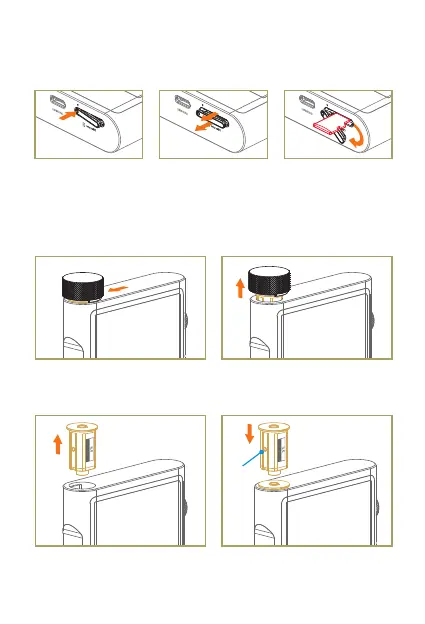
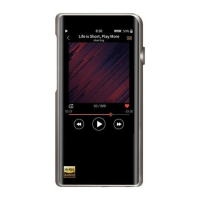
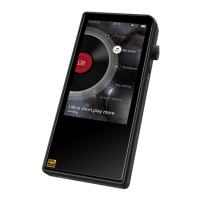
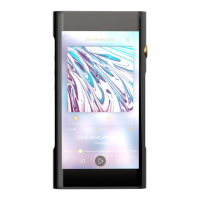
Schematic Diagram
Accessing Micro SD Card
1. Push on the left
corner and the card
cover will pop out.
2. Slowly pull the cover
out.
3. Twist the cover out
of the way to access
the Micro SD card.
Headphone Socket Module Installation
1. Slide the extractor on top of the
module, with hooks facing front
and back of the player.
2. Pull the extractor upwards, until
the module protrudes 5mm from
the player.
3. Remove the extractor and pull
out the whole module.
4. To install the module, align it with
the opening and slowly push it in
into its place.
Towards left


 To Next Page