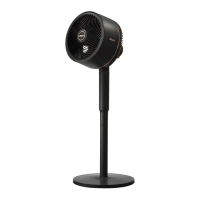
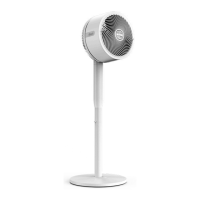
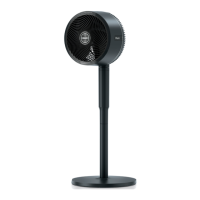
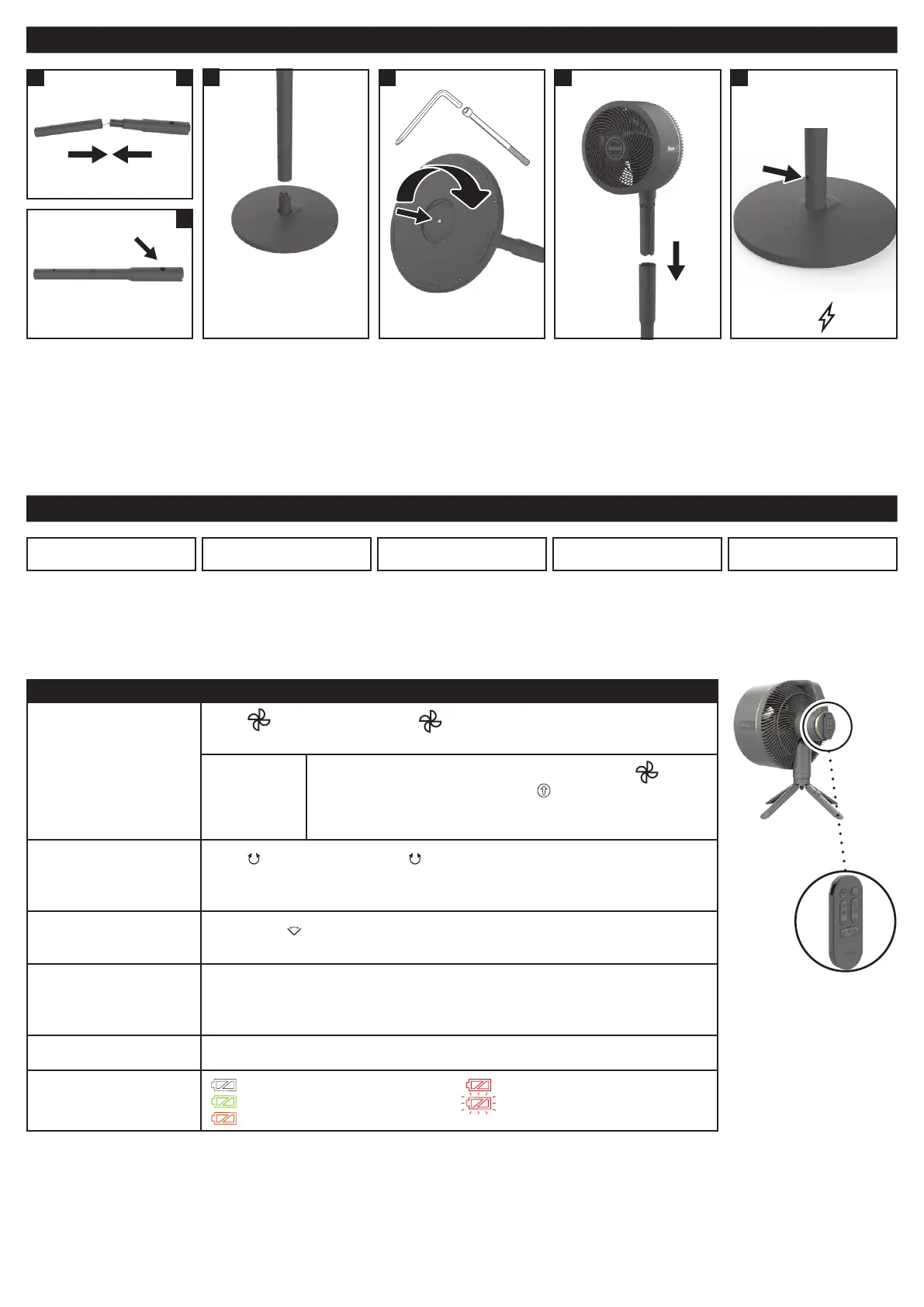
ASSEMBLING YOUR FAN
FEATURES
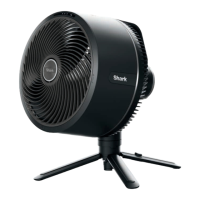
CORDLESS OUTDOORS BREEZEBLAST™
This is a 2-in-1 fan that
can be used with or
without the cord.
This fan can be
enjoyed indoors or
outdoors.
DO NOT CHARGE OR
USE IN THE RAIN.
REMOTE STORAGE
Store the remote on
the back of the fan
head when not in use.
Activate the extra-
powerful BreezeBlast™
for maximum-strength
airflow.
OSCILLATION
This fan oers up
to 180 degrees of
oscillation as well as
up to 55 degrees of
vertical tilt.
Fan Speeds
Press
on the fan head or < > arrows on the remote to switch
between fan speeds. LED lights will indicate selected fan speed.
BreezeBlast™
Mode
For maximum-strength airflow, press and hold
on the
fan head for 3 seconds, or press
on the remote. During
cordless use, fan speed will automatically decrease after
20 minutes to save battery power.
Oscillation
Press
on the fan head or < > arrows on the remote to toggle
between oscillation settings. LED lights will indicate which setting
is selected.
Horizontal Angle
Adjust
Press the <
> arrows on the remote to change the horizontal angle
of the fan at a distance.
Runtime
MAXIMUM CORDLESS RUNTIME: 20 hours on fan speed 1.
MAXIMUM CORDLESS PERFORMANCE: 2 hours on fan speed 5.
PLUGGED IN: Indefinite runtime; fan will charge while operating.
Charge Time FROM 0% TO FULLY CHARGED BATTERY: 5 hours
Battery Indicator
100% charged: white light
51%-99%: green light
21%-50%: amber light
6%-20%: red light steady
5% and below: red light blinking
HOW TO USE YOUR FAN
3
1. Align and insert the
Upper Pole into the
Lower Pole until it
clicks into place.
2.
Align the yellow dot
on the assembled
pole with the yellow
arrow on the Base,
then slide the pole
down onto the base.
Make sure the pole is
installed completely
and securely.
3. Turn the base on its
side, then insert the
Bolt in the bottom of
the Base. Use the Allen
wrench to rotate the
bolt on the bottom of
the base. Rotate the
bolt counterclockwise to
loosen it, then remove it.
4. CAUTION: finger pinch
risk. Holding the fan by
the handle, insert the
the legs of the fan head
into the top of the
assembled pole until
they click into place.
Rotate clockwise to
tighten the bolt.
5. Charge fan to 100%
battery power before
use without the cord.
First use: before using
remote control, press
Power Button on fan.
Fan is operable while
charging.
54
Charging port labeled
with
.
B
1 A
Upper pole
The upper pole
has wider end.
Align yellow arrow on
bottom of pole with
yellow dot on base
2
To preserve battery life, the
fan will enter IDLE mode if left
unplugged and powered o for
24 hours. In IDLE mode, the
remote cannot be used to turn
on the fan. To turn o IDLE
mode, press the power button
on top of the fan head.


 To Next Page
 Loading...