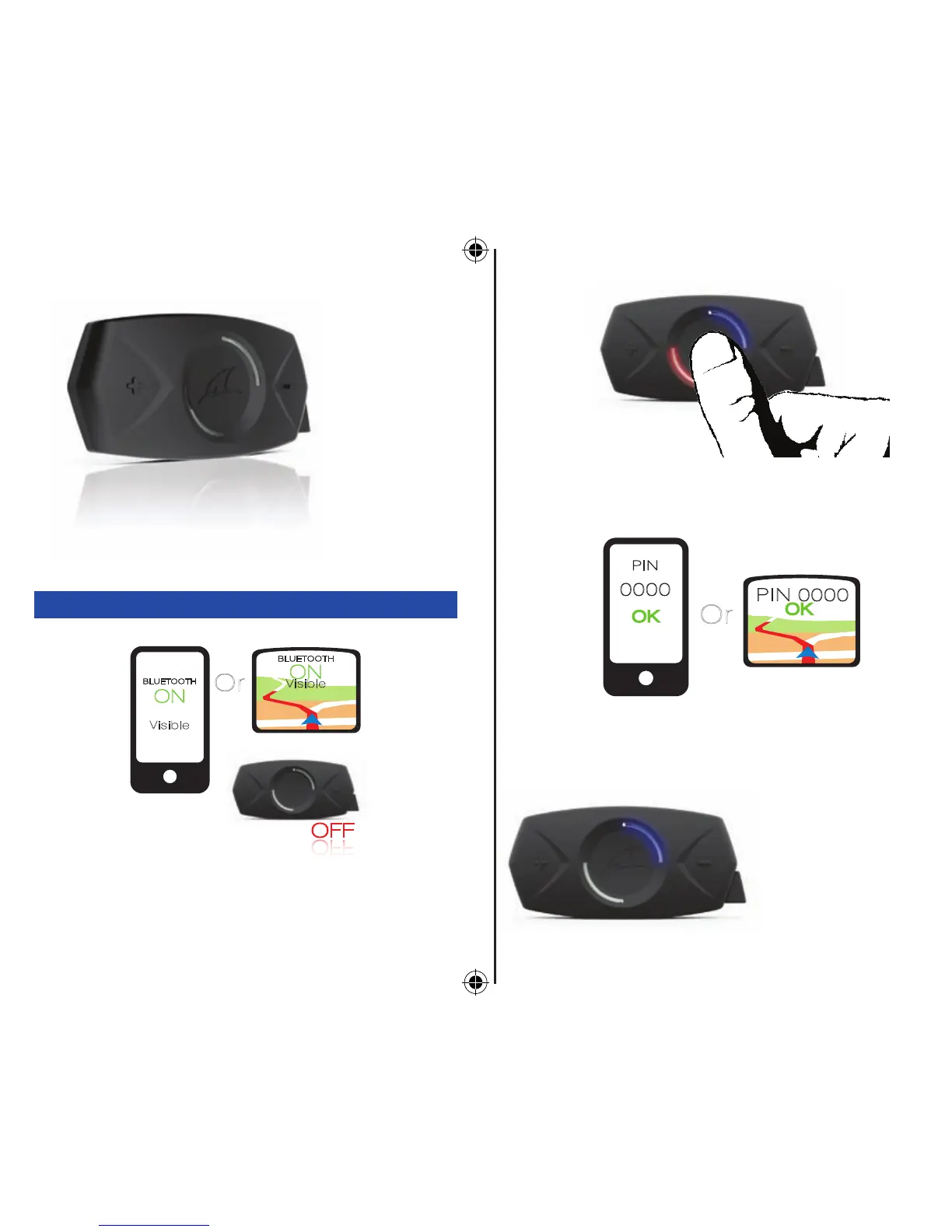
The SHARKTOOTH must be o. Turn on the Bluetooth function
of your phone or GPS in visible mode.
Press and hold the multi-function button until the status
indicator turns blinking red/blue.
Execute a Bluetooth search and select
SHARKTOOTH.
Enter 0000 if the phone or GPS asks for a password
or a pin code.
When the status in-
dicator turns blinking
blue, the pairing is
successful!


 To Next Page