8
C. CHARGING:
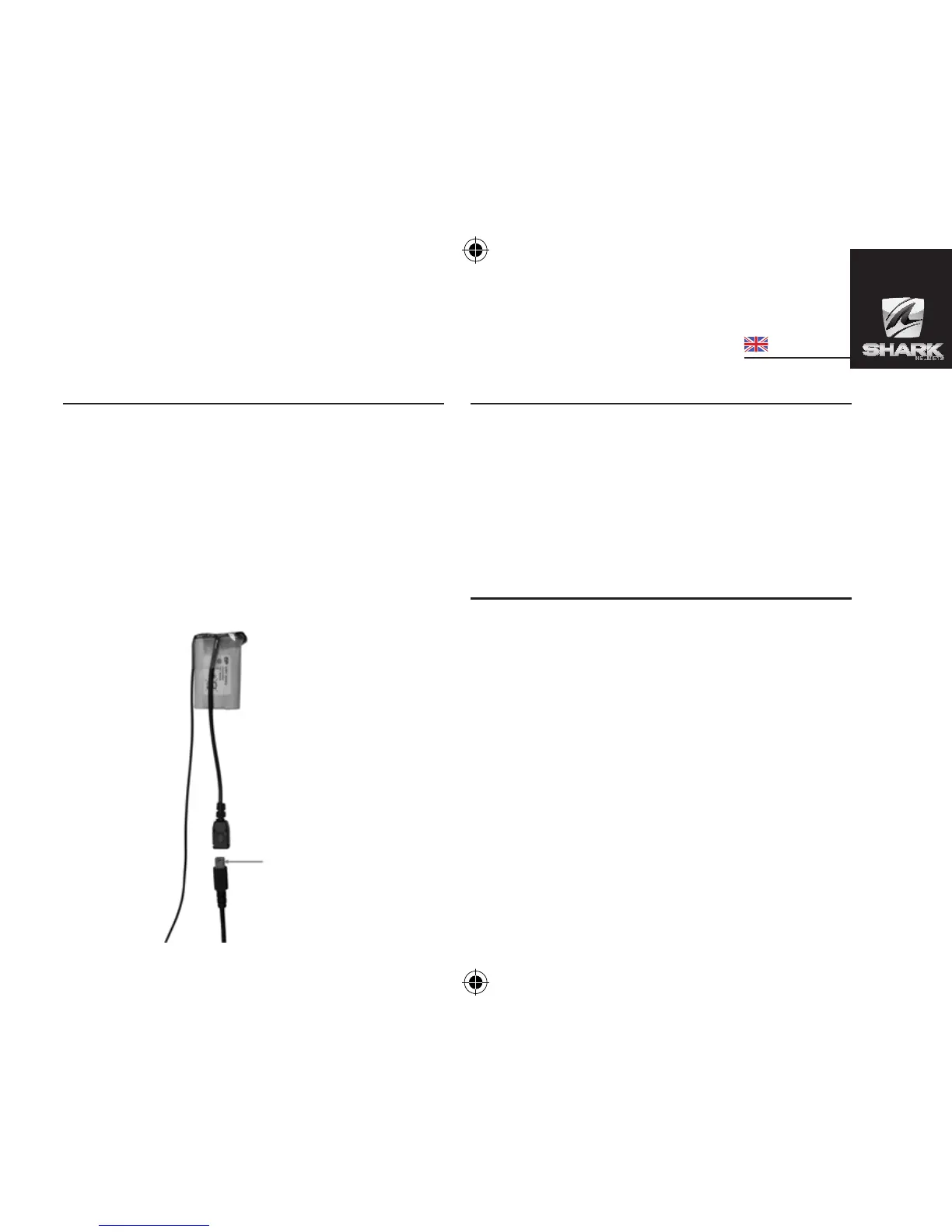
1. Connect the charger’s plug to the Charger Socket (6)
of the SHARKTOOTH SHARK. Connect the charger to an
external power source.
Charge Indicator (2) Status:
Steady Red: Battery Low
Steady Orange: Charging
Steady Green: Battery Full
2. When fully charged, disconnect the charger.
D. POWER ON/OFF:
Power On: Press the MFB (1) until Status Indicator (2)
turns blue. Or press for approximately 3 seconds, a beep
will be heard.
Power O: Press the MFB (1) until Status Indicator (2)
turns red. Or press for approximately 5 seconds until 3rd
tone will be heard.
E. PAIRING TO YOUR BLUETOOTH DEVICES:
SHARKTOOTH SHARK is a Bluetooth device that is com-
patible with Telephone, Intercom, Music (A2DP), and GPS
navigator proles.
1) Pairing Procedure for Telephone
(Calls and Music):
Note: If your phone supports A2DP (Advance Audio Distri-
bution Prole), you can stream music from your phone to
the SHARKTOOTH SHARK.
Charger Plug


 To Next Page