7
P O
Control Panel
The Gaming Mouse control panel allows you to
customize the buttons and settings of your mouse.
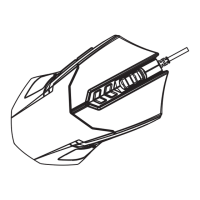
• To change button functions: use the diagram
on the left to locate the number that corresponds
to the button you would like to customize. Then,
using the center section of the control panel,
select the option that matches that number and


 To Next Page