SHARK Force
4
3. Package Contents:
• SHARK Force Gaming Mouse
• Additional set of mouse feet
• Manual
Note:
If you are missing any of the items listed above, please contact our customer service immediately:
support@sharkoon.com (Germany and Europe)
support@sharkoon.com.tw (International)
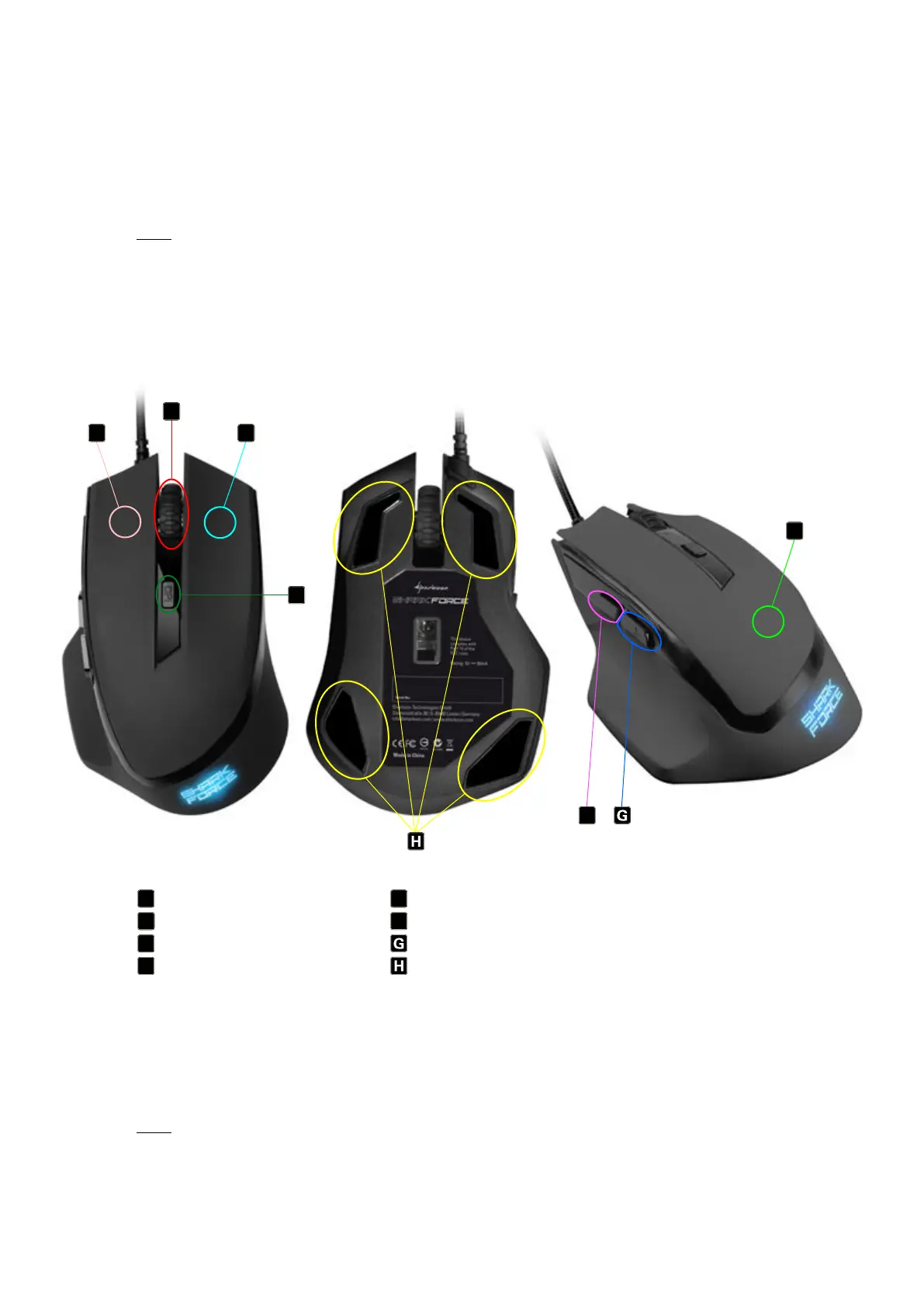
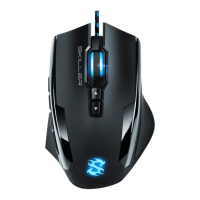
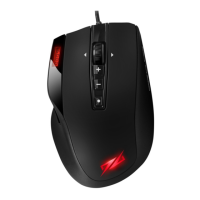
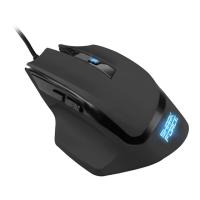
4. SHARK Force Gaming Mouse Overview:
Left mouse button DPI switch
Scroll wheel Thumb button 1
Right mouse button Thumb button 2
Rubber coating Mouse feet
5. Connecting to the PC:
• Connect the USB plug from the mouse into an available USB port on your PC.
• The operating system will automatically recognize the SHARK Force Gaming Mouse and install all needed
drivers.
Note:
If your mouse is not recognized, disconnect it and try a different USB port on your PC.
B
A
C
D
E
F
B
A
C
D
E
F



 To Next Page