EasyManua.ls Logo

Sharp Aquos LC-80UH30U - User Manual

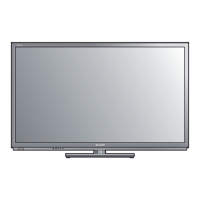
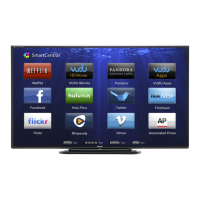
Sharp Aquos LC-80UH30U
131 pages
Print Icon
To Next Page IconTo Next Page
Loading...
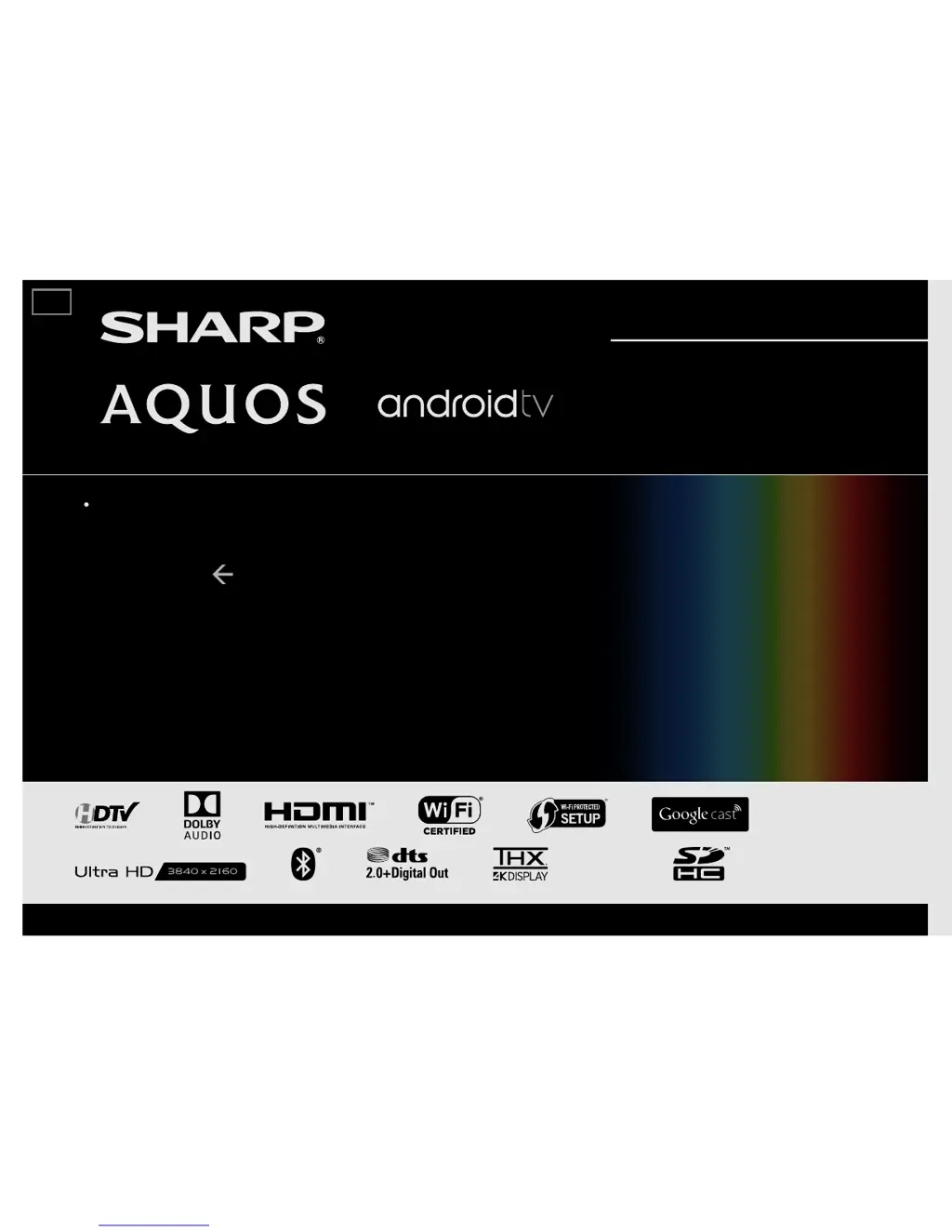
LIQUID CRYSTAL TELEVISION
OPERATION MANUAL
Please choose your favorite page from the content.
If you want to close the operation manual, press the EXIT
button.
Also, if you want to return to the previously displayed
page, press the
(Back) button.
(For LC-70UH30U) (For UH30U model)
ENGLISH | FRANÇAIS | ESPAÑOL
>>

Table of Contents

Other manuals for Sharp Aquos LC-80UH30U

Questions and Answers

  • D
    Dr. James WeeksAug 13, 2025
    Why does my Sharp TV have no power?
    • A
      Anna LopezAug 13, 2025
      First, ensure that you have pressed the POWER button on the remote control. Check that the AC power cord is properly connected. Also, verify that the main power switch is turned on.
  • M
    Matthew PinedaAug 17, 2025
    Why is my Sharp TV remote control not working?
    • C
      cynthiawheelerAug 17, 2025
      Ensure the equipment you are trying to control is correctly set. Press the TV button on the remote to set it for TV operation. Verify that the batteries are correctly inserted with the proper polarity (+, -). If the batteries are old, replace them with new ones. Strong or fluorescent lighting may interfere with the remote's signal. Also, a fluorescent light near the remote sensor can cause issues. Check if "RC Control Lock" is selected in "Operation Lock Out". If you're using a touchpad remote, ensure the pairing process is complete.
  • D
    Dawn ContrerasAug 20, 2025
    How to fix no picture on Sharp TV?
    • M
      Michael CarpenterAug 20, 2025
      Check if the connection to other components is correct and if the correct input is selected. If using a PC, ensure the display output mode is set to external monitor and verify the resolution setting. For 4K60P signals via HDMI, set "HDMI Type Selection" to "Limited".
  • T
    Timothy BrownAug 25, 2025
    Why does my Sharp TV suddenly turn off?
    • J
      James RuizAug 26, 2025
      Check if the sleep timer is set. Review the power control settings. Also, if the unit's internal temperature has increased, remove any obstructions from the vents or clean them.
  • L
    Larry MoodyAug 28, 2025
    Why is my Sharp TV picture cut off or has sidebars?
    • A
      Anne GriffithAug 28, 2025
      Ensure that screen mode adjustments, like picture size, are correctly configured.
  • M
    Mary ClarkSep 1, 2025
    Why is the picture quality of HD programs poor on my Sharp TV?
    • W
      Wendy JordanSep 1, 2025
      To enjoy HD images from external equipment, set up an HDMI or component connection. If the program content isn't in HD, HD images won't display. Verify that the program you are viewing provides HD images. The cable/satellite set-top box may need configuration to output HD images, and the broadcast might not support a signal resolution of 1080p.
  • J
    Joseph BarreraSep 4, 2025
    Why does my Sharp TV have strange color or color misalignment?
    • T
      Tammy MitchellSep 5, 2025
      Adjust the picture tone. If the room is too bright, the picture may appear dark.
  • N
    nthomasSep 8, 2025
    What to do if my Sharp TV unit cannot be operated?
    • T
      Tonya MaxwellSep 8, 2025
      External factors like lightning or static electricity might be causing the issue. Turn off the TV or unplug the AC cord, wait for 1 to 2 minutes, then plug it back in and try operating the unit again.

Sharp Aquos LC-80UH30U Specifications

General IconGeneral
Screen Typeled
Featuresspectros, aquomotion 960, aquodimming, revelation, pixel-splitting, quattron
Tunerdigital
Screen Size80 inches
Refresh Rate120hz
Closed Captioningyes
HDRno
Built-In Speakersyes
Speakers Output35 watts
Number Of Speakers2
USB Ports3
RF Antennayes
Networkbuilt-in wi-fi
Headphones Outputno
Digital Optical Audio Outputs1
Analog Audio Outputs1
Component Video Inputs1
Composite Video Inputs1
DVI0
SmartTVsmartcentral
Remote Controluniversal
3Dno
Power Consumption247 kilowatt hours
Depth with Stand17.921875 inches
Height with Stand43 inches
Width with Stand71.5 inches
Net Weight with Stand122.4 pounds
Depth without Stand4.46875 inches
Height without Stand41.546875 inches
Net Weight without Stand113.6 pounds

Related product manuals