- 36 -
•
Do not expose the product to hot air from a hair dryer or leave it in a high
temperature environment for drying it. Doing so may cause the product to
deform, discolor, get out of order, etc.
Draining Water
If the product gets wet, make sure to drain water remaining in the earphone/
microphone jack section, external connection jack section, earpiece (receiver)/
speaker section, mouthpiece (microphone) section, speaker section, key
section, air vent (ornamental camera cover), etc.
1
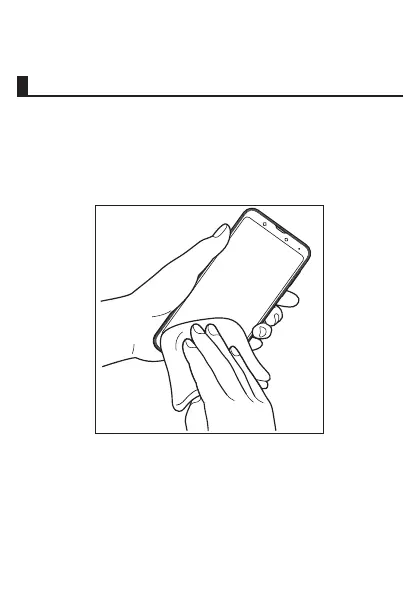
Wipe off water on the surface of the product carefully with
a dry and clean cloth etc.














 To Next Page