- 38 -
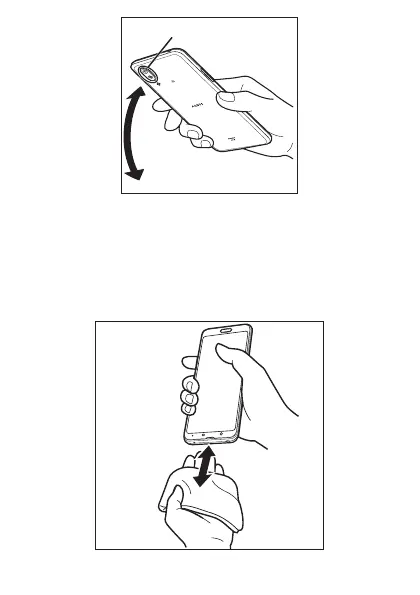
Air vent (ornamental camera cover)
3
Wipe off water remaining in the grooves of each section by
gently putting the product against a dry and clean cloth
etc.
Since water is sometimes left in the grooves of each section, clear them
of water by putting a cloth against their openings and gently patting them.
Make sure that there is no more water or foreign objects remaining in
them.















 To Next Page