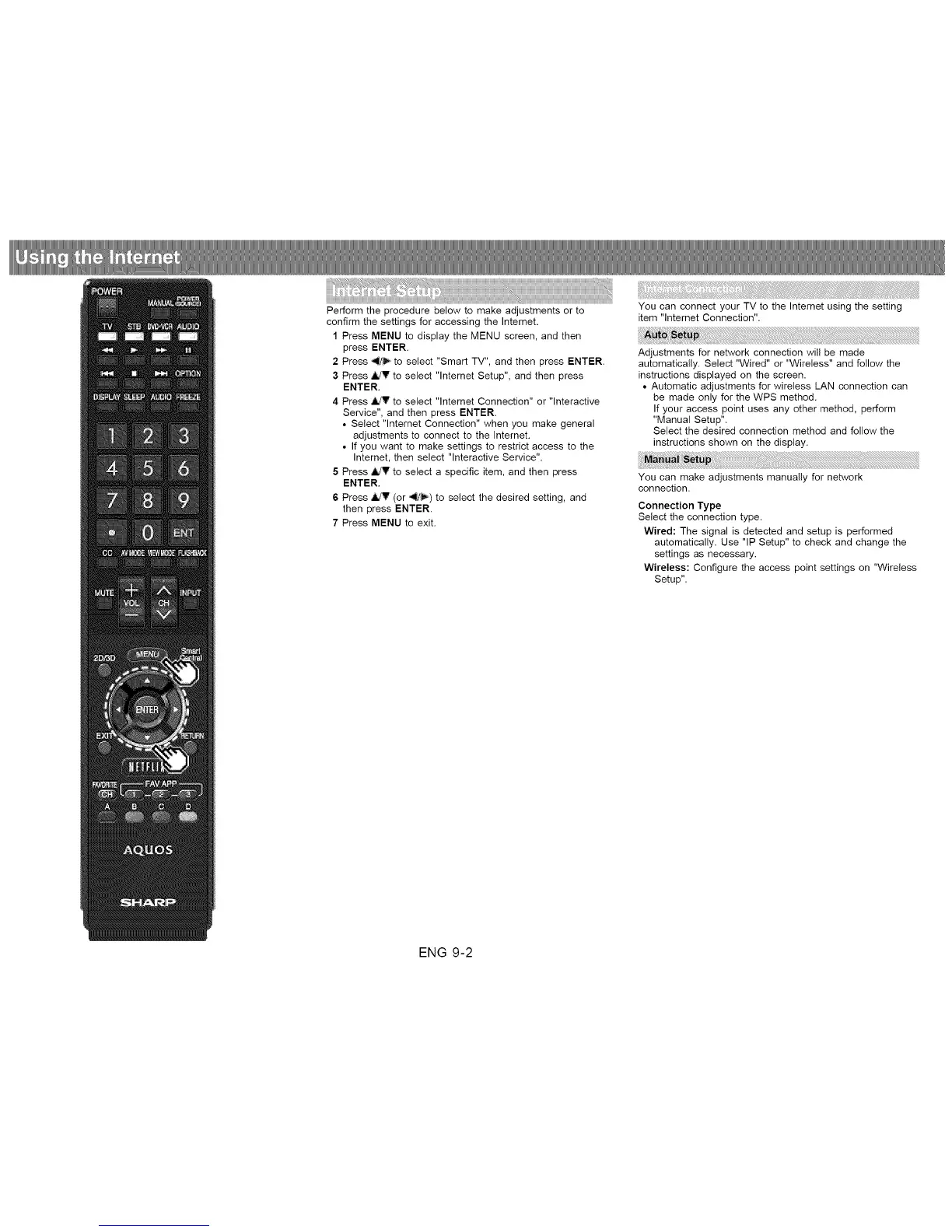
Perform the procedure below to make adjustments or to
confirm the settings for accessing the Internet.
1 Press MENU to display the MENU screen, and then
press ENTER.
2 Press _1/'_ to select "Smart TV", and then press ENTER.
3 Press _IldV to select "lnternet Setup", and then press
ENTER.
4 Press ,ildV to select "lnternet Connection" or "Interactive
Service", and then press ENTER.
• Select "lnternet Connection" when you make general
adjustments to connect to the Internet.
• If you want to make settings to restrict access to the
Internet, then select "Interactive Service".
5 Press _ to select a specific item, and then press
ENTER.
6 Press ,ild_ (or _/_) to select the desired setting, and
then press ENTER.
7 Press MENU to exit.
You can connect your TV to the Internet using the setting
item "lntemet Connection".
Adjustments for network connection will be made
automatically. Select "Wired" or "Wireless" and follow the
instructions displayed on the screen.
• Automatic adjustments for wireless LAN connection can
be made only for the WPS method.
If your access point uses any other method, perform
"Manual Setup".
Select the desired connection method and follow the
instructions shown on the display.
You can make adjustments manually for network
connection.
Connection Type
Select the connection type.
Wired: The signal is detected and setup is performed
automatically. Use "IP Setup" to check and change the
settings as necessary.
Wireless: Configure the access point settings on "Wireless
Setup".
ENG 9-2












 To Next Page