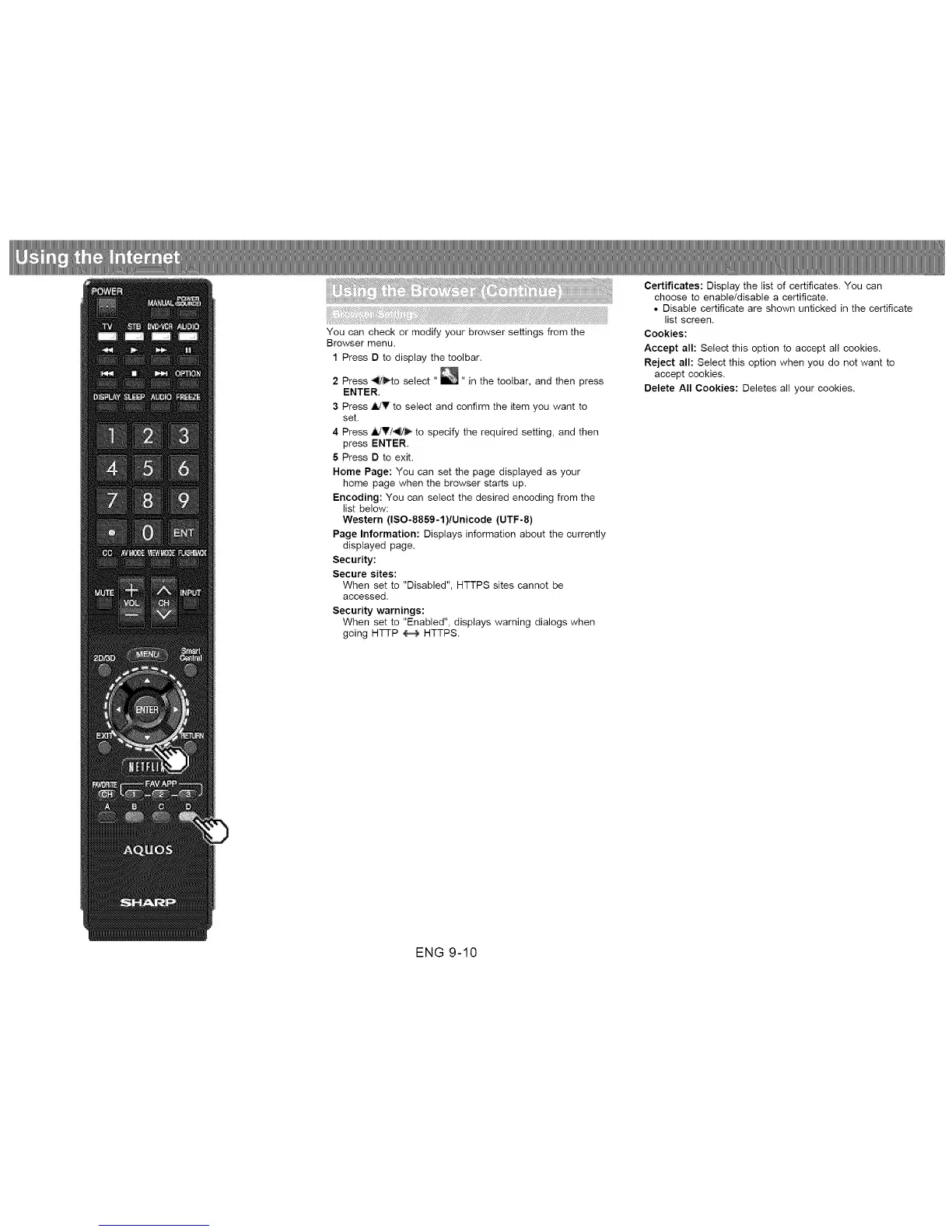
You can check or modify your browser settings from the
Browser menu.
1 Press D to display the toolbar.
2 Press _to select " _" in the toolbar, and then press
ENTER.
3 Press A/V to select and confirm the item you want to
set.
4 Press 4dT/_ to specify the required setting, and then
press ENTER.
5 Press D to exit.
Home Page: You can set the page displayed as your
home page when the browser starts up.
Encoding: You can select the desired encoding from the
list below:
Western (ISO-8859-1)/Unicode (UTF-8)
Page Information: Displays information about the currently
displayed page.
Security:
Secure sites:
When set to "Disabled", HTTPS sites cannot be
accessed.
Security warnings:
When set to "Enabled", displays warning dialogs when
going HTTP _ HTTPS.
Certificates: Display the list of certificates. You can
choose to enable/disable a certificate.
• Disable certificate are shown unticked in the certificate
list screen.
Cookies:
Accept all: Select this option to accept all cookies.
Reject all: Select this option when you do not want to
accept cookies.
Delete All Cookies: Deletes all your cookies.
ENG 9-10












 To Next Page