3D Display
(for the UQ17U, TQ15U, SQ17U, SQ15U and LE657U
models)
You can view photos in 3D.
• You can select "3D display" from "USB MENU" only when
the thumbnails screen for the photo mode in USB mode
is displayed on the screen.
• Depending on the file, the photos may not be displayed in
3D.
Select Slide Show Interval
Specify the length of time before the next image appears.
Press _' to select the desired length of the time, and then
press ENTER.
5sec/10sec/30sec/60sec
• For Home Network mode, follow the same procedure.
• Depending on the photo files, the length of the slide show
interval may differ from the selected interval time.
Select Slide Show BGM
The music list screen appears when you select "Select
Slide Show BGM".
You can select the music to be played in the background
while the slide show is being displayed.
1 Select the music you want to play from the music list.
• For operations on the music list screen, see "Music
Mode".
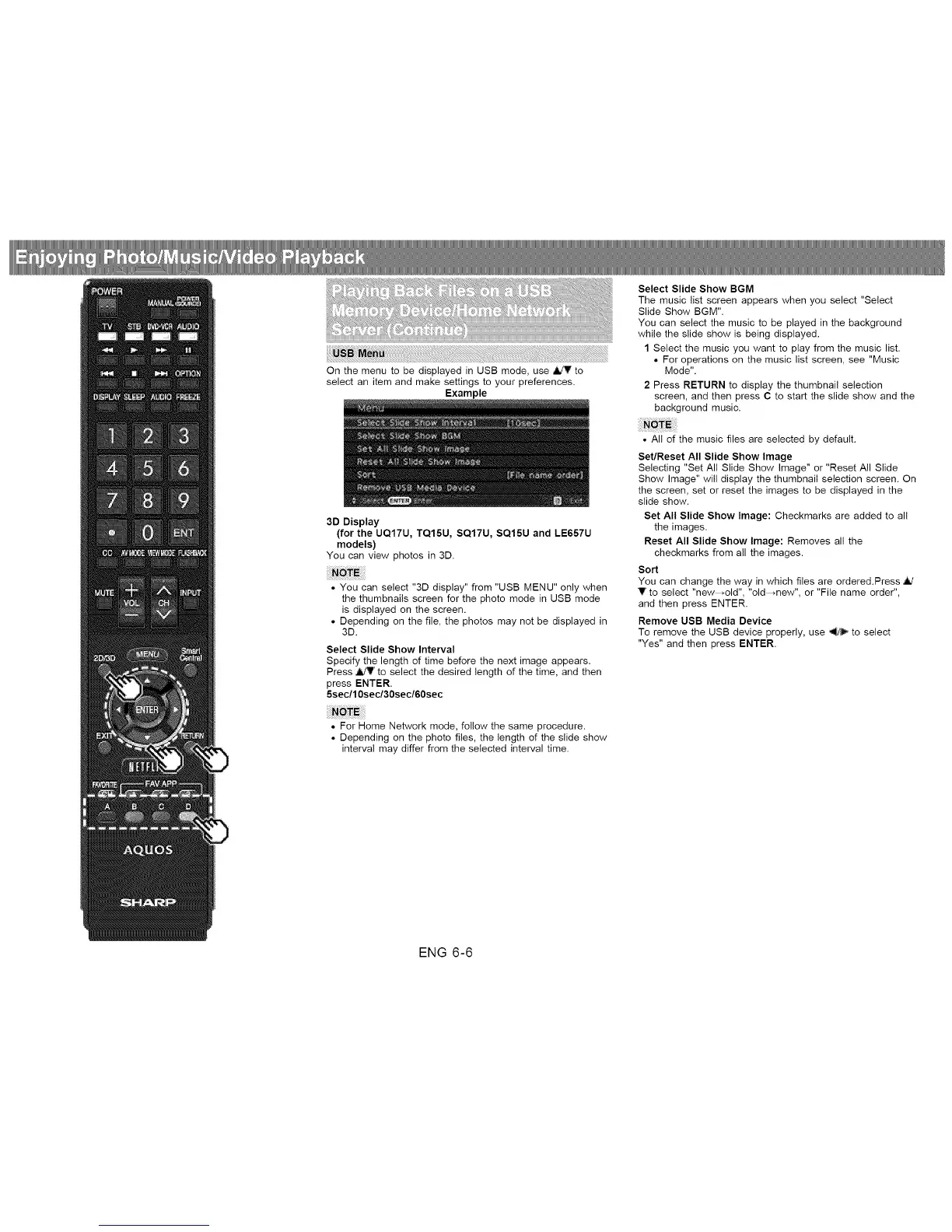
2 Press RETURN to display the thumbnail selection
screen, and then press C to start the slide show and the
background music.
• All of the music files are selected by default.
Set/Reset All Slide Show Image
Selecting "Set All Slide Show Image" or "Reset All Slide
Show Image" will display the thumbnail selection screen. On
the screen, set or reset the images to be displayed in the
slide show.
Set All Slide Show Image: Checkmarks are added to all
the images.
Reset All Slide Show Image: Removes all the
checkmarks from all the images.
Sort
You can change the way in which files are ordered.Press
V to select "new--old", "old--mew", or "File name order",
and then press ENTER.
Remove USB Media Device
To remove the USB device properly, use _ to select
"Yes" and then press ENTER.
ENG 6-6












 To Next Page