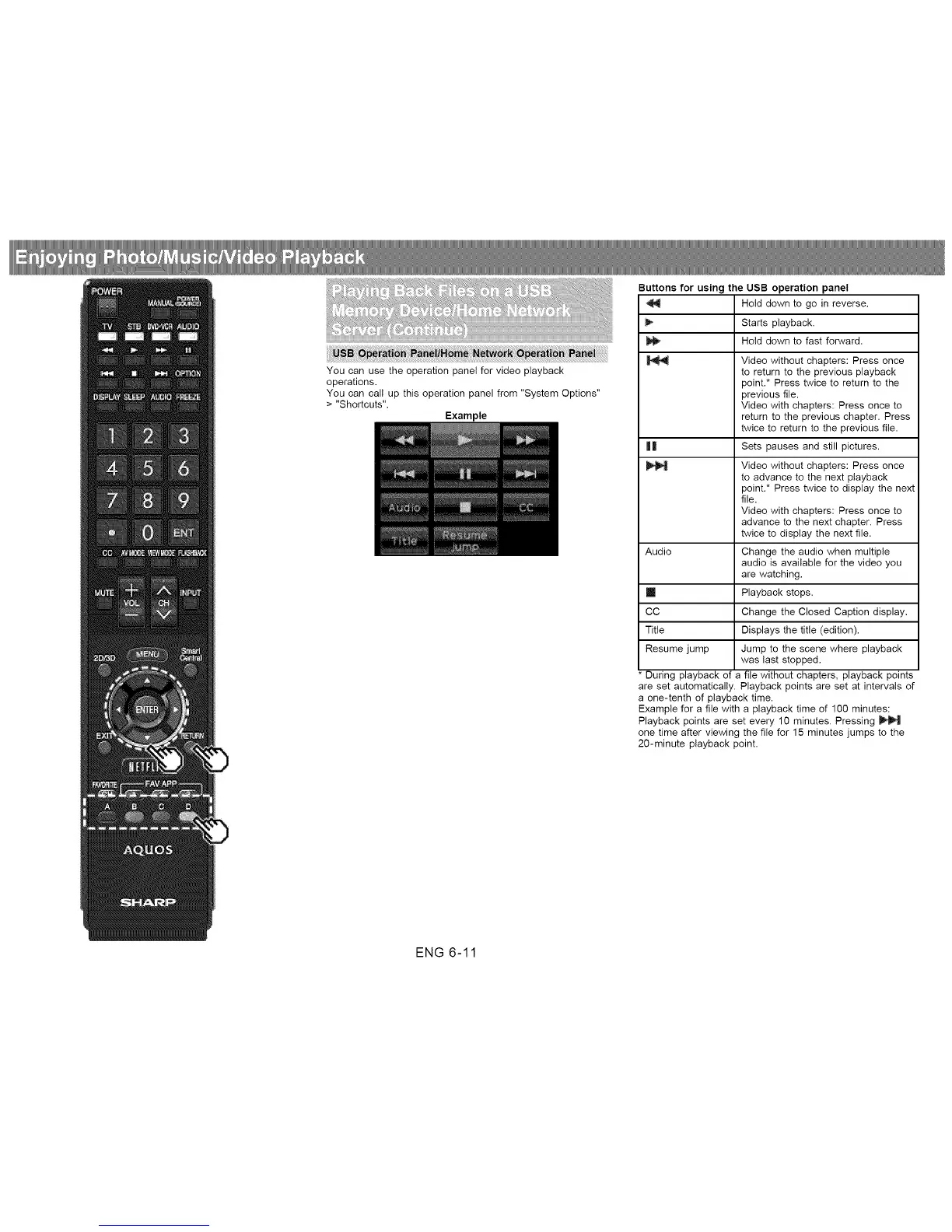
Buttons for using the USB operation panel
Hold down to go in reverse.
Starts playback.
Hold down to fast forward.
Video without chapters: Press once
to return to the previous playback
point.* Press twice to return to the
previous file.
Video with chapters: Press once to
return to the previous chapter. Press
twice to return to the previous file.
|| Sets pauses and still pictures.
Video without chapters: Press once
to advance to the next playback
point.* Press twice to display the next
file.
Video with chapters: Press once to
advance to the next chapter. Press
twice to display the next file.
Audio Change the audio when multiple
audio is available for the video you
are watching.
m Playback stops.
CC Change the Closed Caption display.
Title Displays the title (edition).
Resume jump Jump to the scene where playback
was last stopped.
During playback of a file without chapters, playback points
are set automatically. Playback points are set at intervals of
a one-tenth of playback time.
Example for a file with a playback time of 100 minutes:
Playback points are set every 10 minutes. Pressing
one time after viewing the file for 15 minutes jumps to the
20-minute playback point.
ENG 6-11












 To Next Page