With the remote playback function, you can use your
portable device to play back pictures, video, and music on
the Home Network server.
• This TV is a DLNA certified Digital Media Renderer (DMR).
To use the remote playback function, your portable device
must be a DLNA Certified Digital Media Controller.
• A wireless access point is required to use a portable
device.
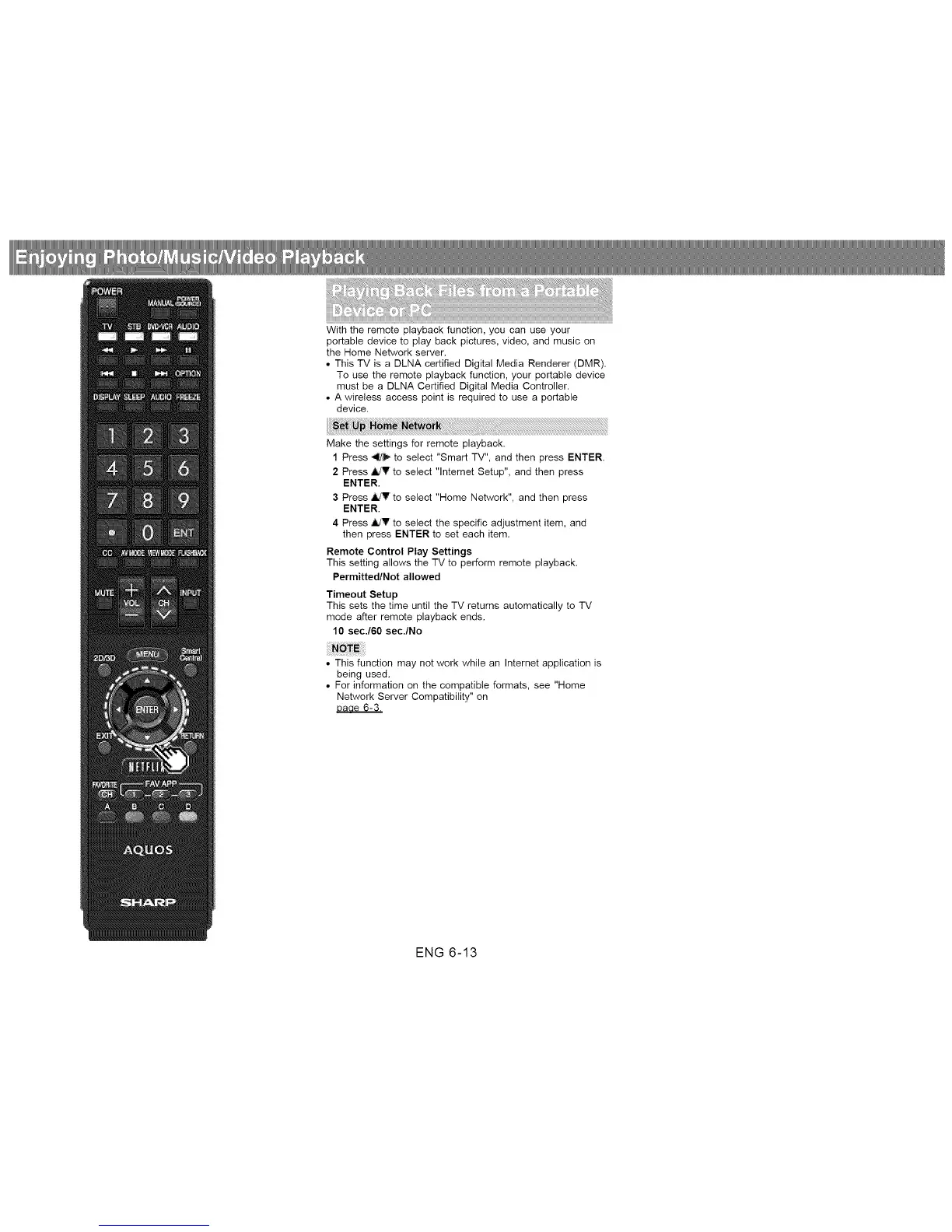
Make the settings for remote playback.
1 Press ,_!/_ to select "Smart TV", and then press ENTER.
2 Press _V to select "lnternet Setup", and then press
ENTER.
3 Press ,ildV to select "Home Network", and then press
ENTER.
4 Press 4dr to select the specific adjustment item, and
then press ENTER to set each item.
Remote Control Play Settings
This setting allows the TV to perform remote playback.
Permitted/Not allowed
Timeout Setup
This sets the time until the TV returns automatically to TV
mode after remote playback ends.
10 secJ60 sec./No
• This function may not work while an Internet application is
being used.
• For information on the compatible formats, see "Home
Network Server Compatibility" on
Daae 6-3.
ENG 6-13












 To Next Page